Skip to content

Agile Dashbboard

GitHub Project Board

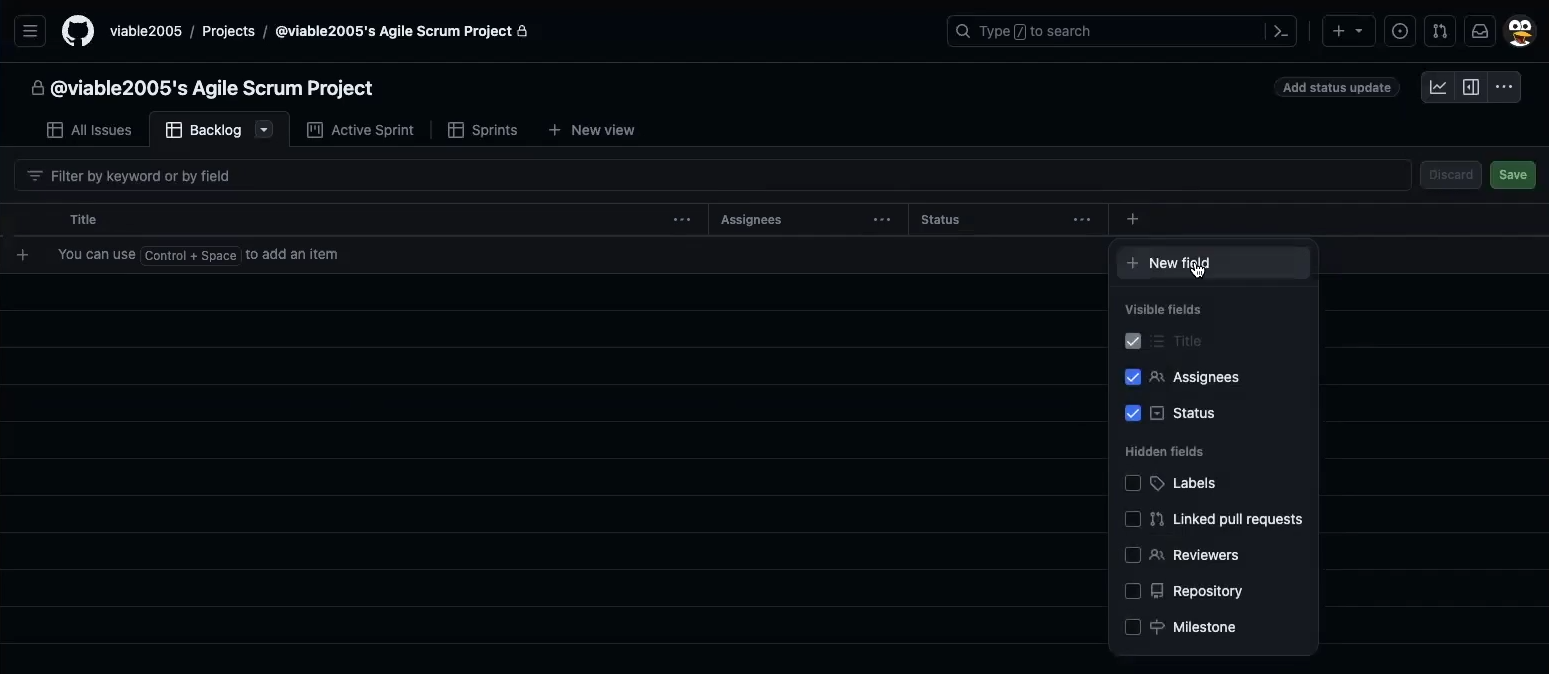
Add Sprint Assignment Field

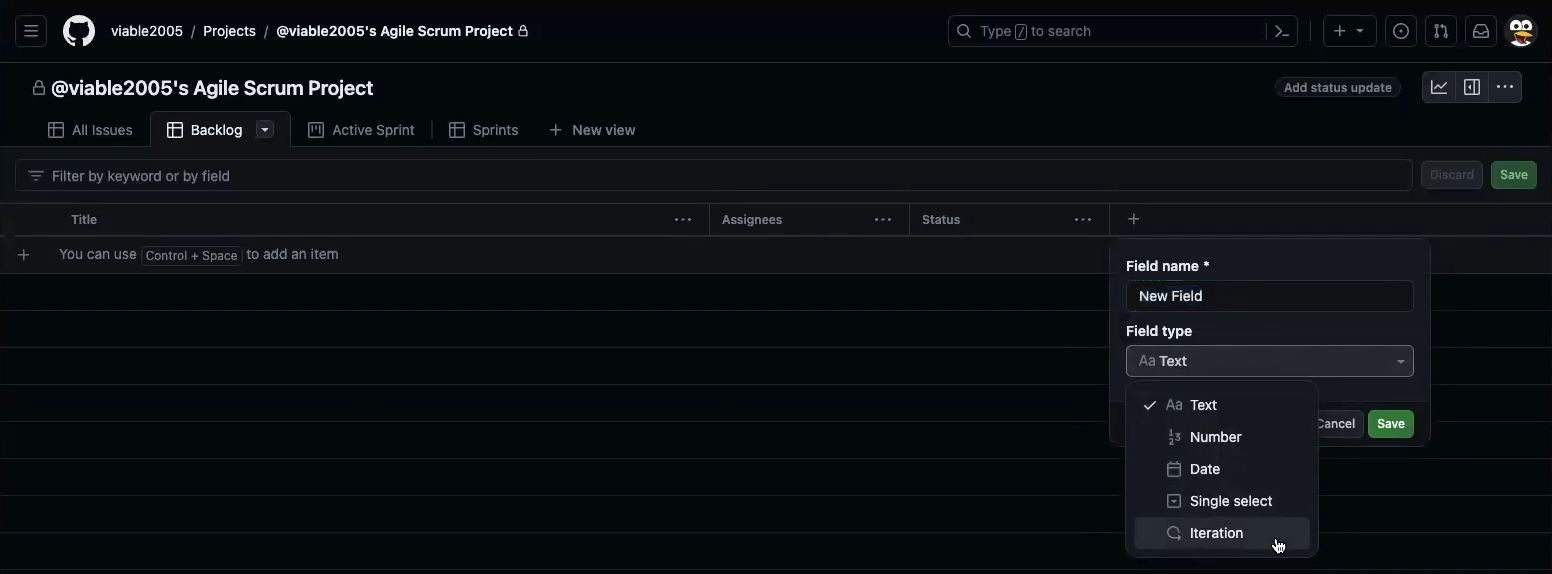
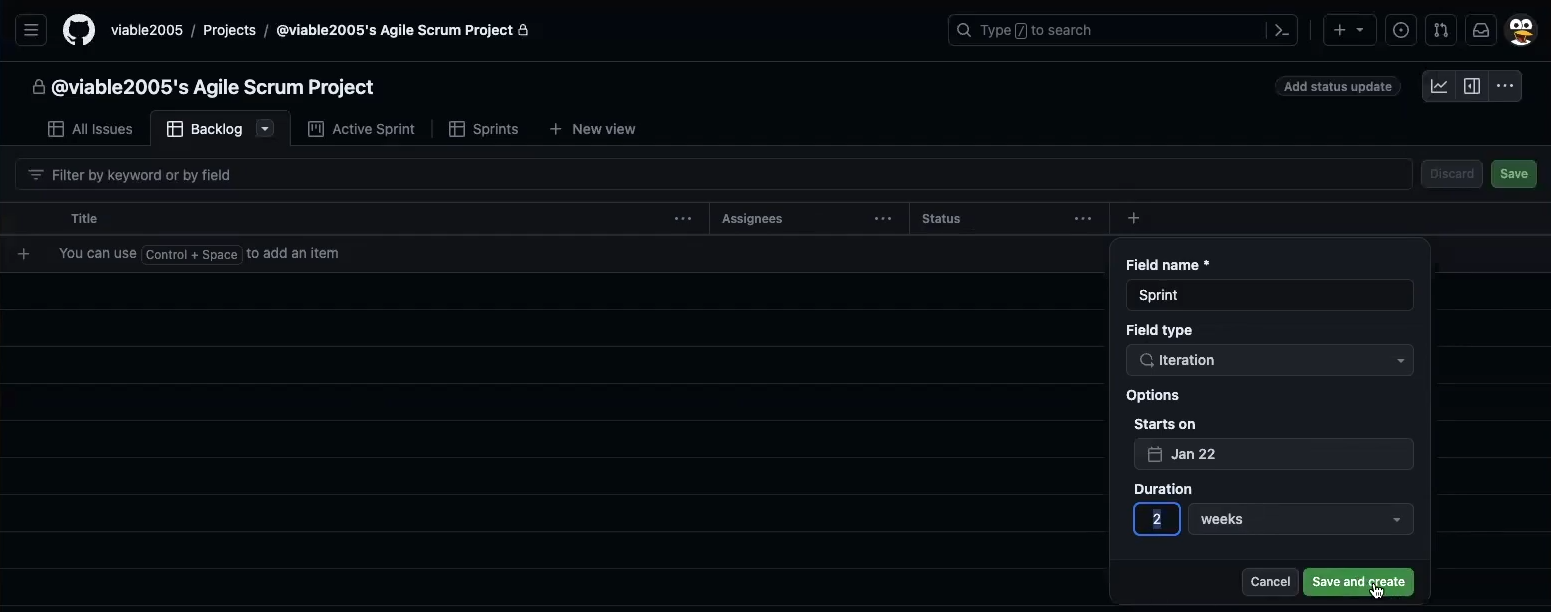
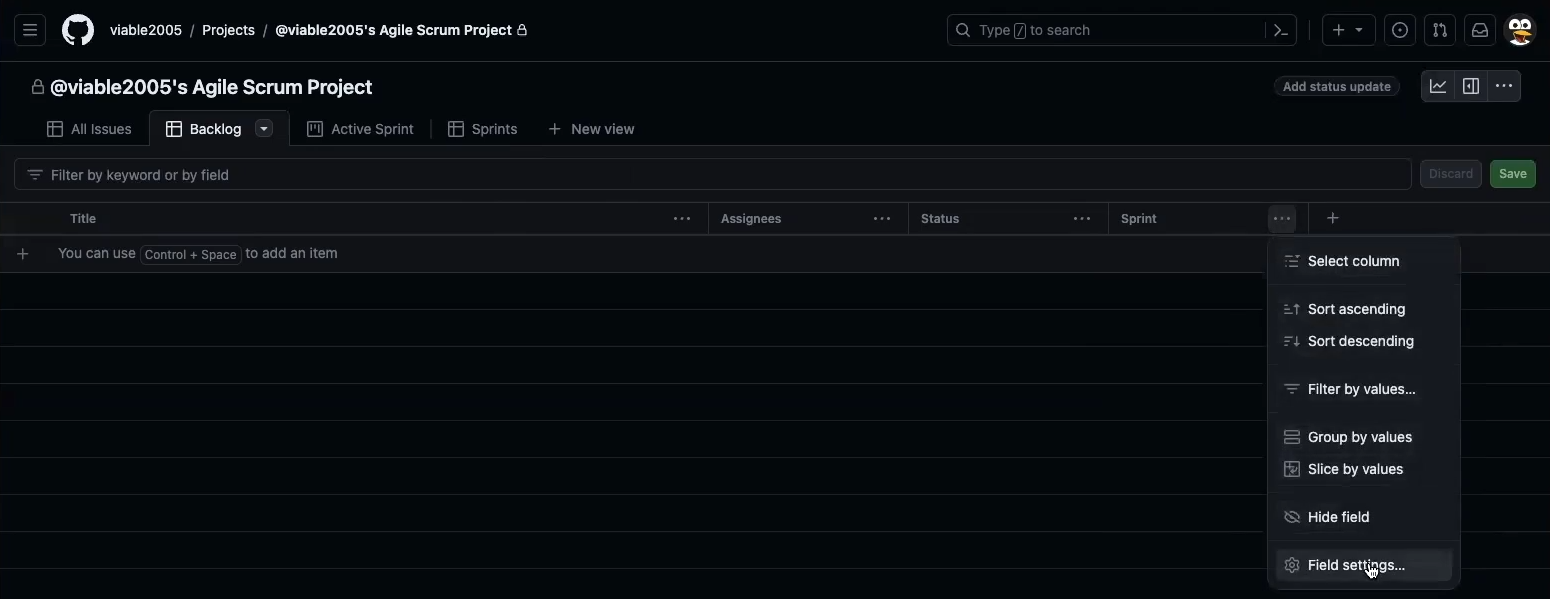
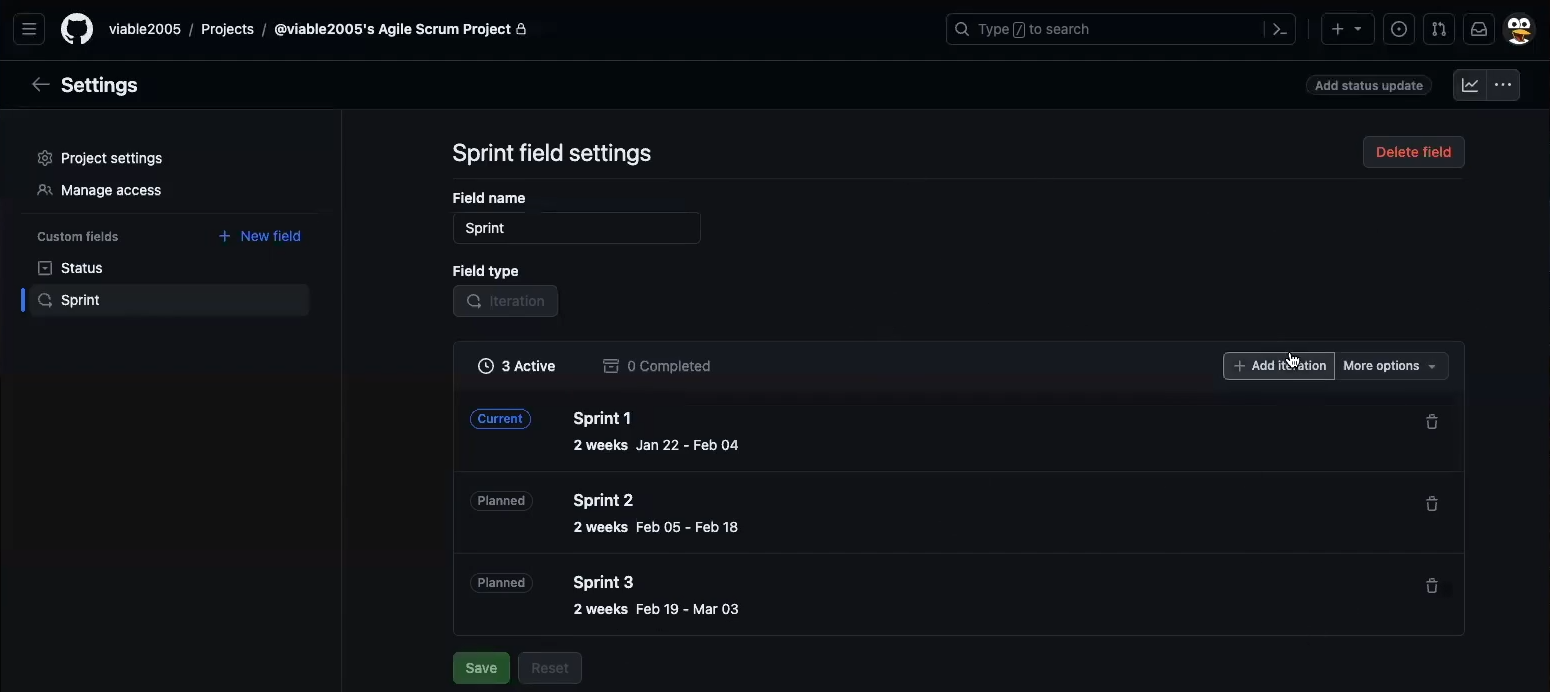
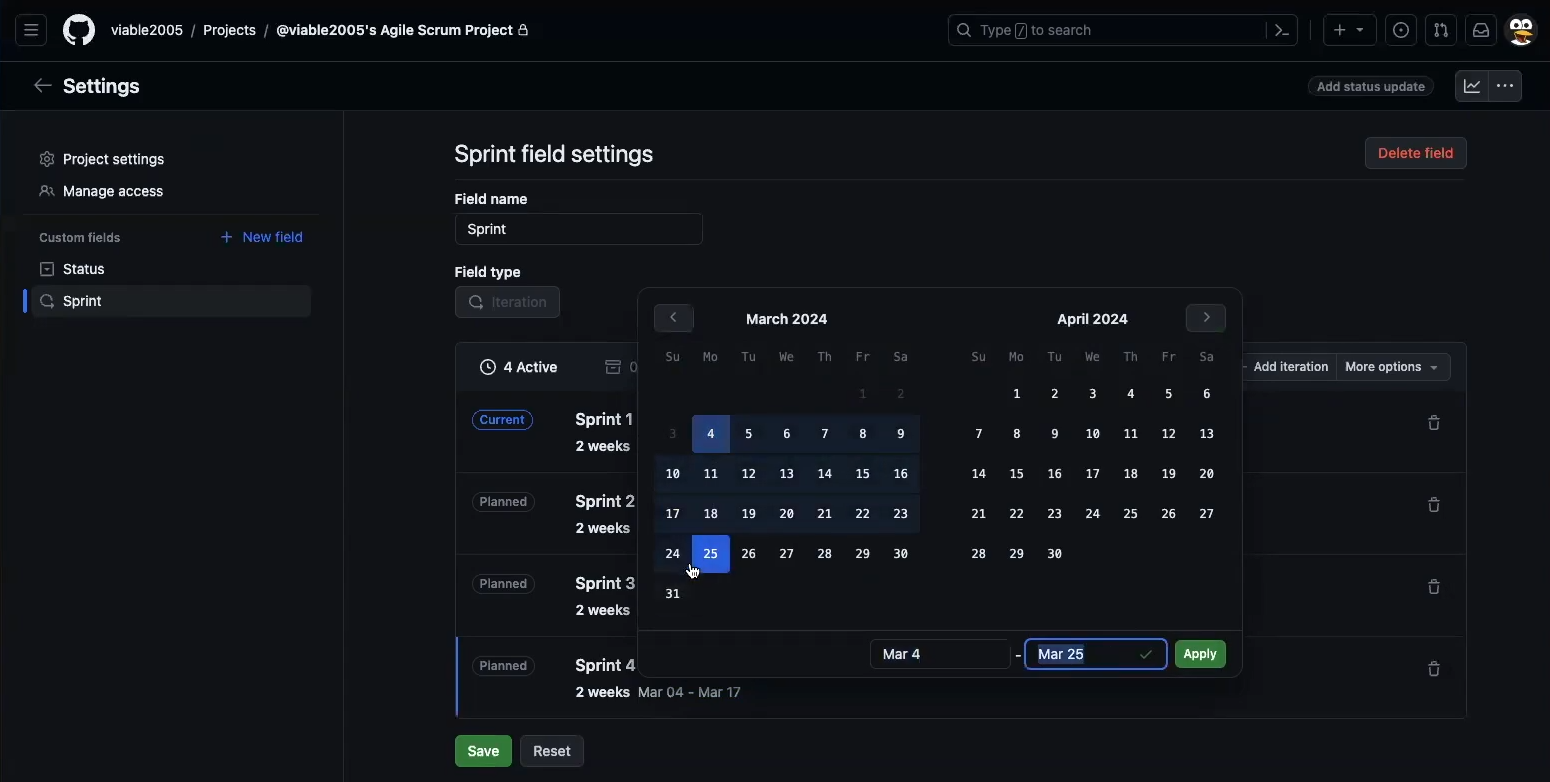
New Field Iteration Type Adjust and Save Edit Field Settings Add or Edit Sprints Set Proper Sprint Dates

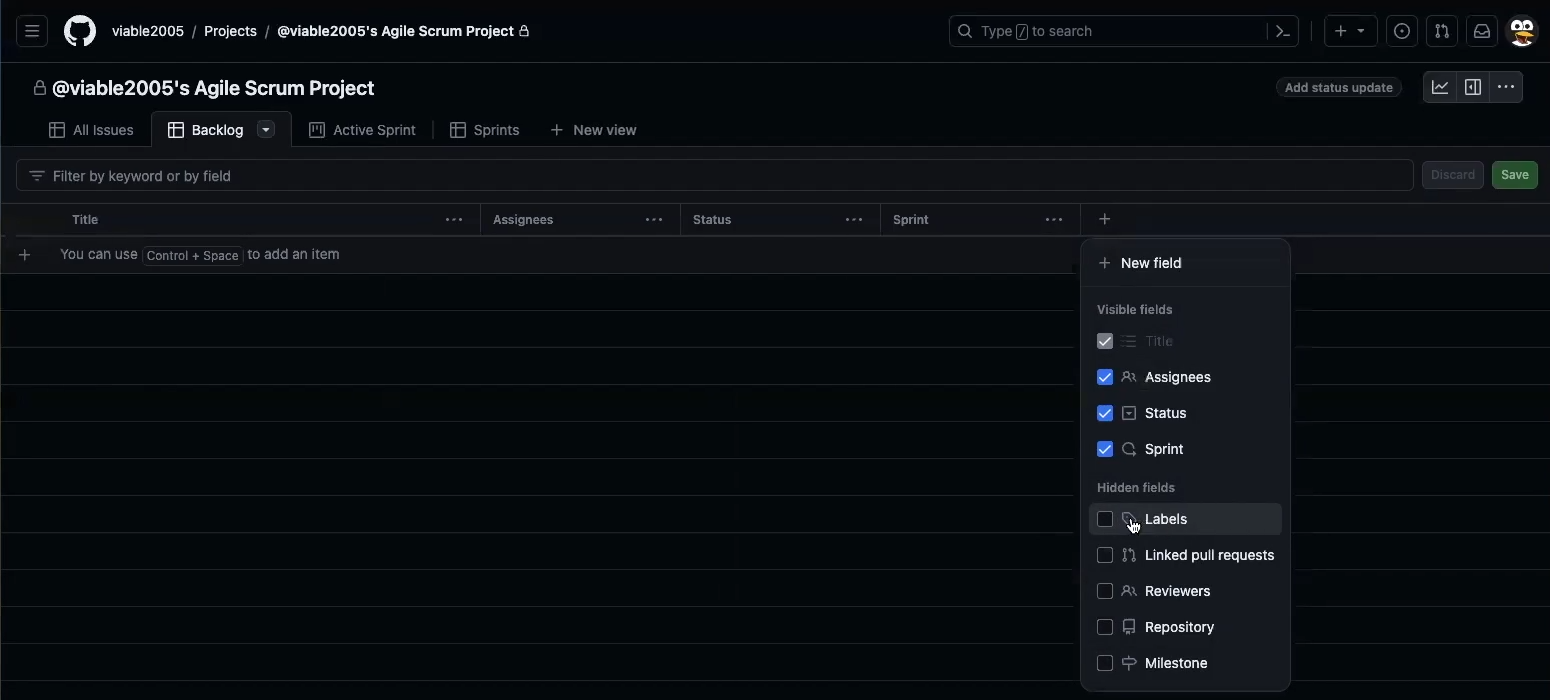
Add Labels Field for TAG Like Filtering (By Epic for Example)

Add Label Field

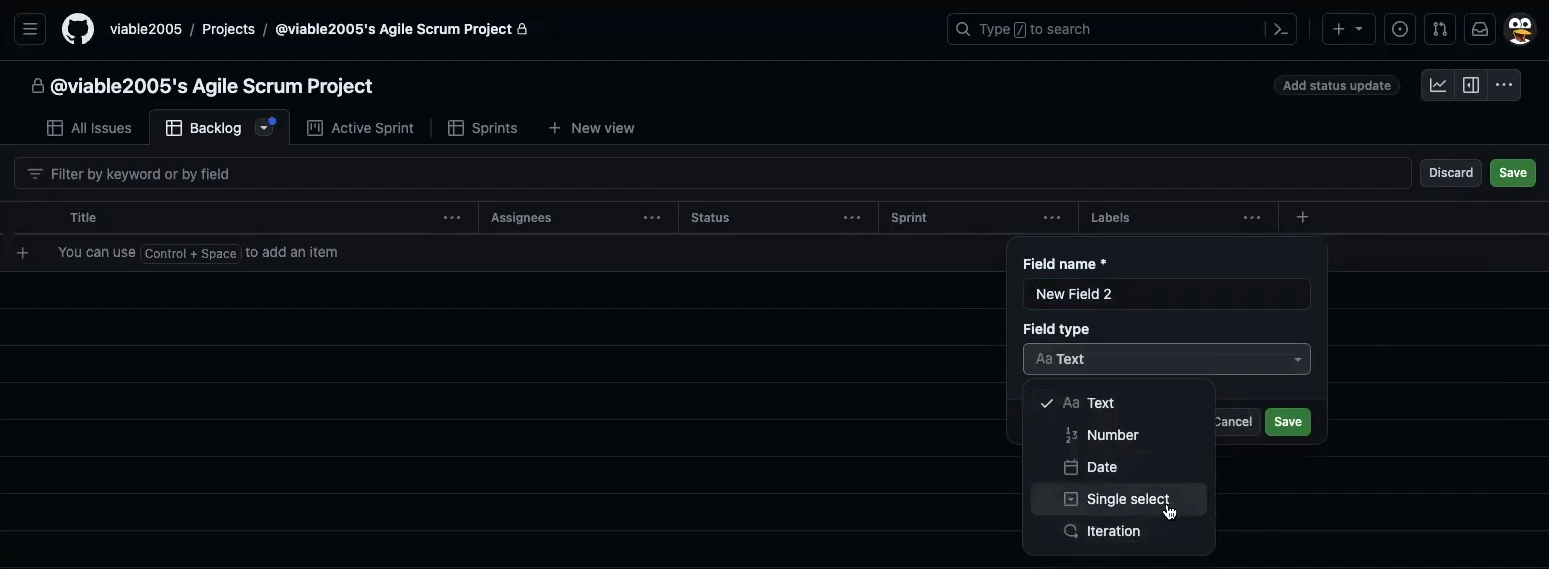
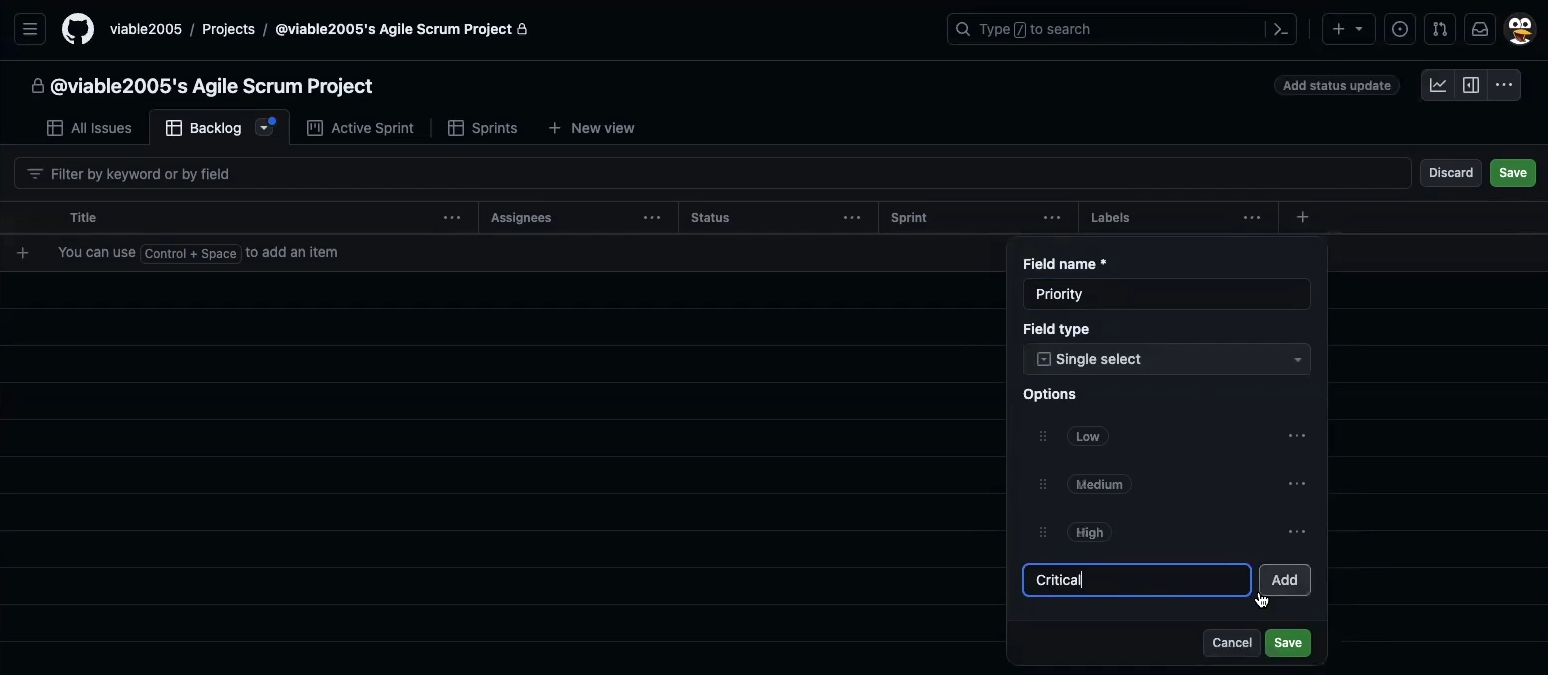
Add Priority Field (Not Point Based Priority)

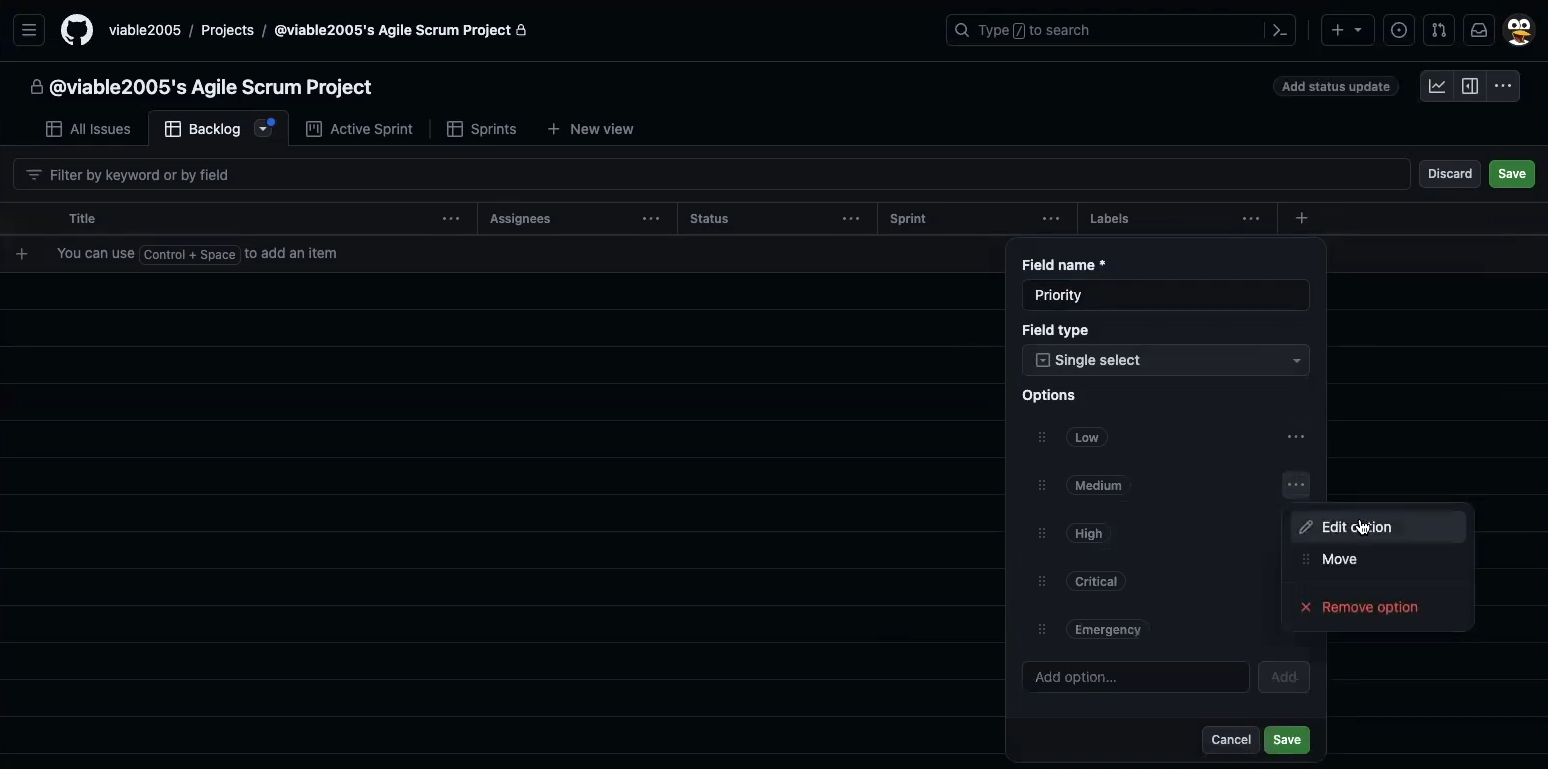
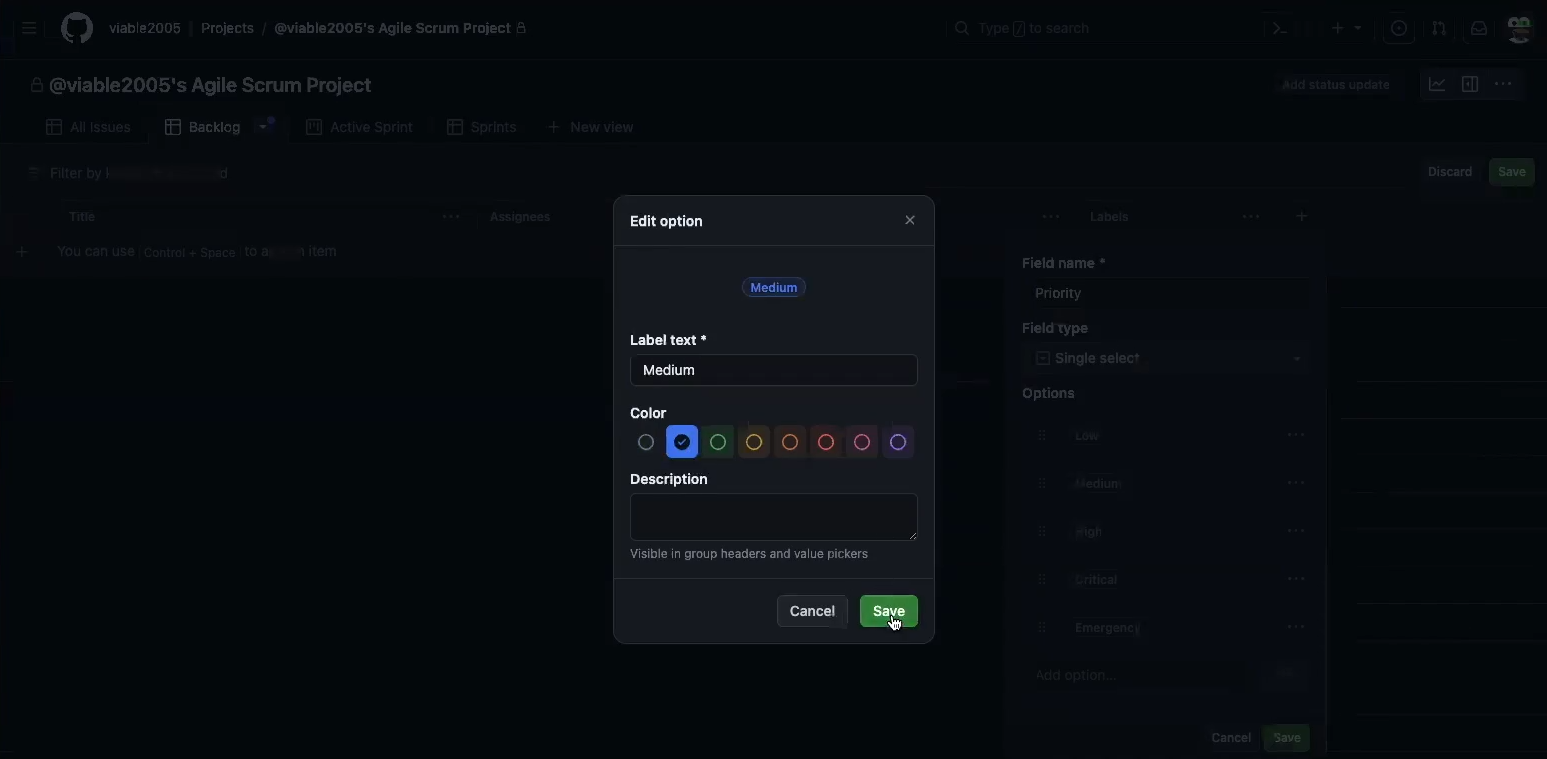
Add New Single Select Field Name it Priority and add Options Edit Low, Medium, High, Critical, and Emergency Options Set color according to importance

User-Story Issue Template Setup

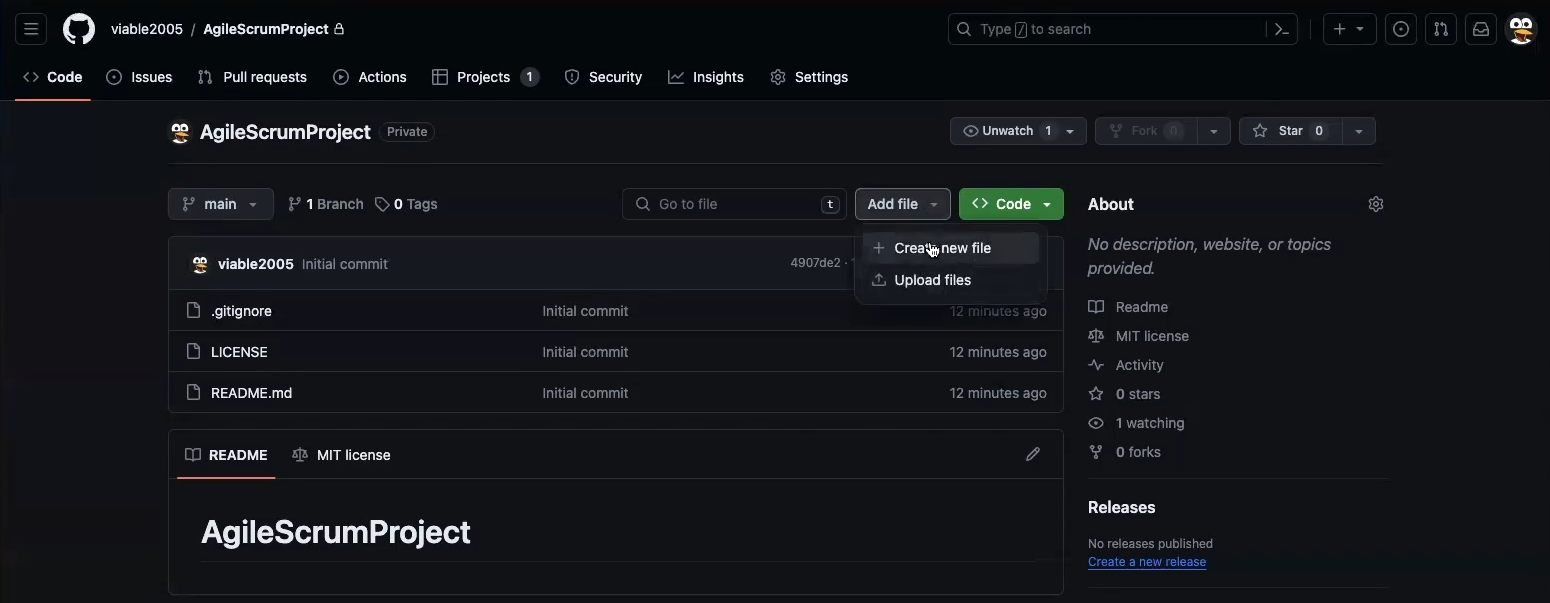
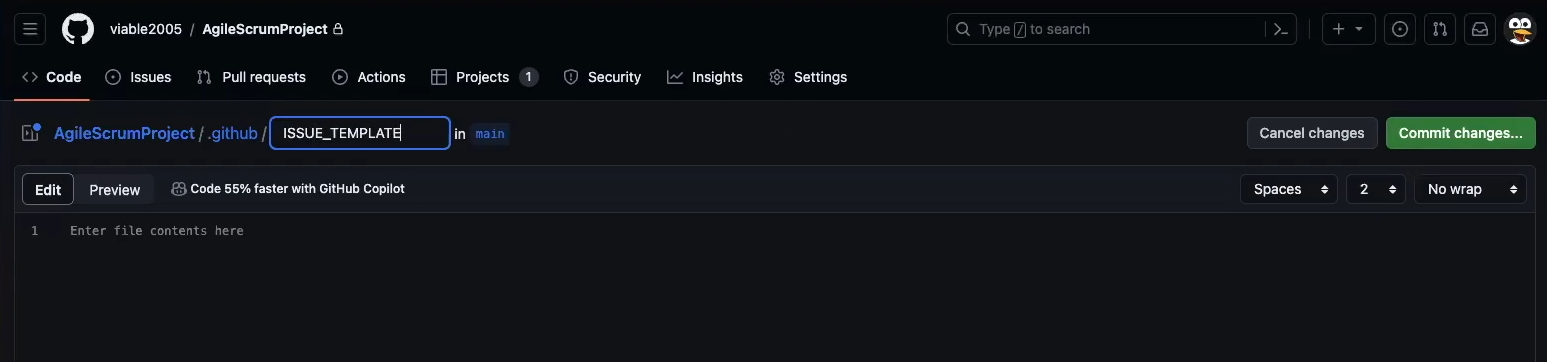
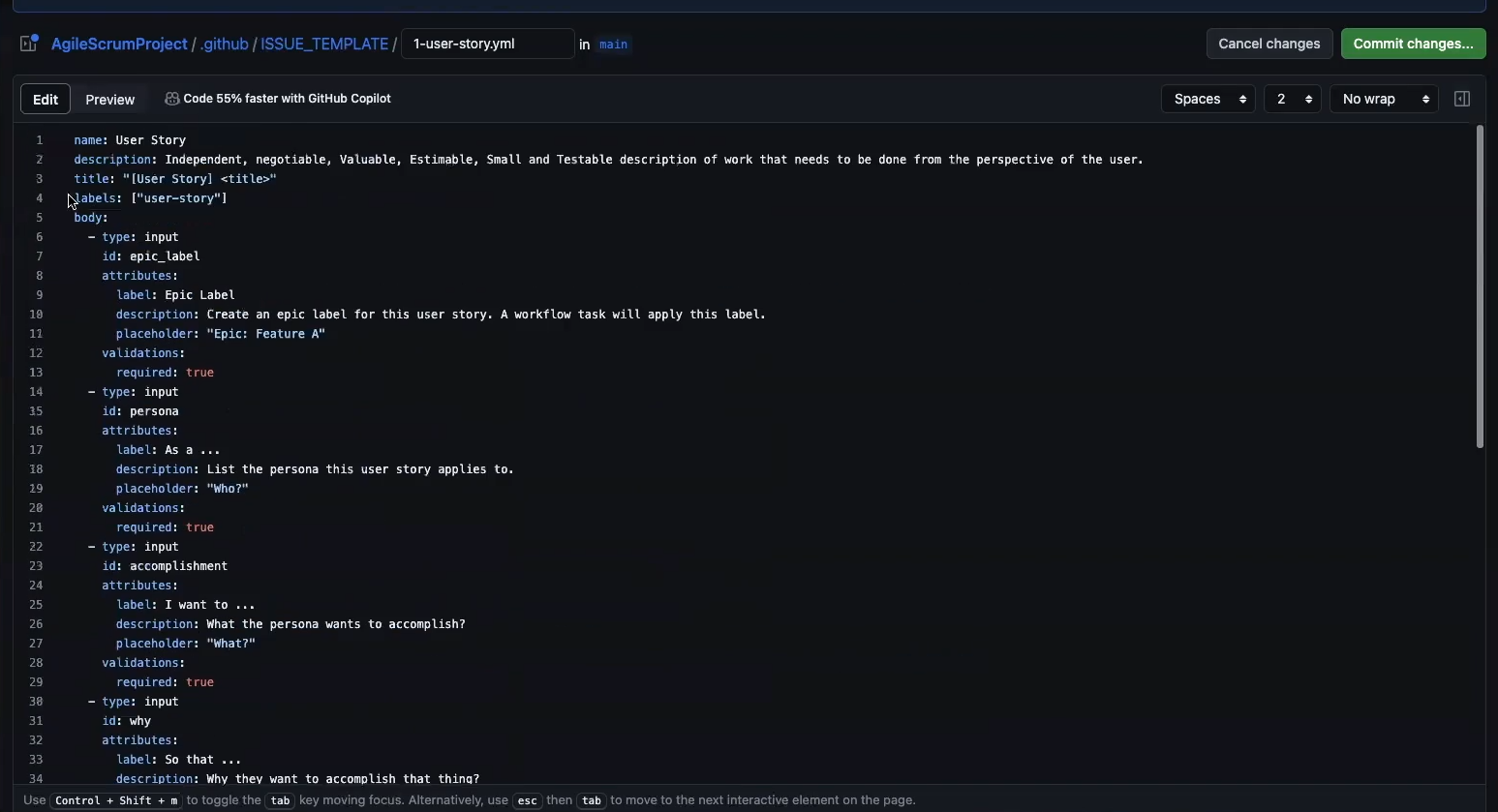
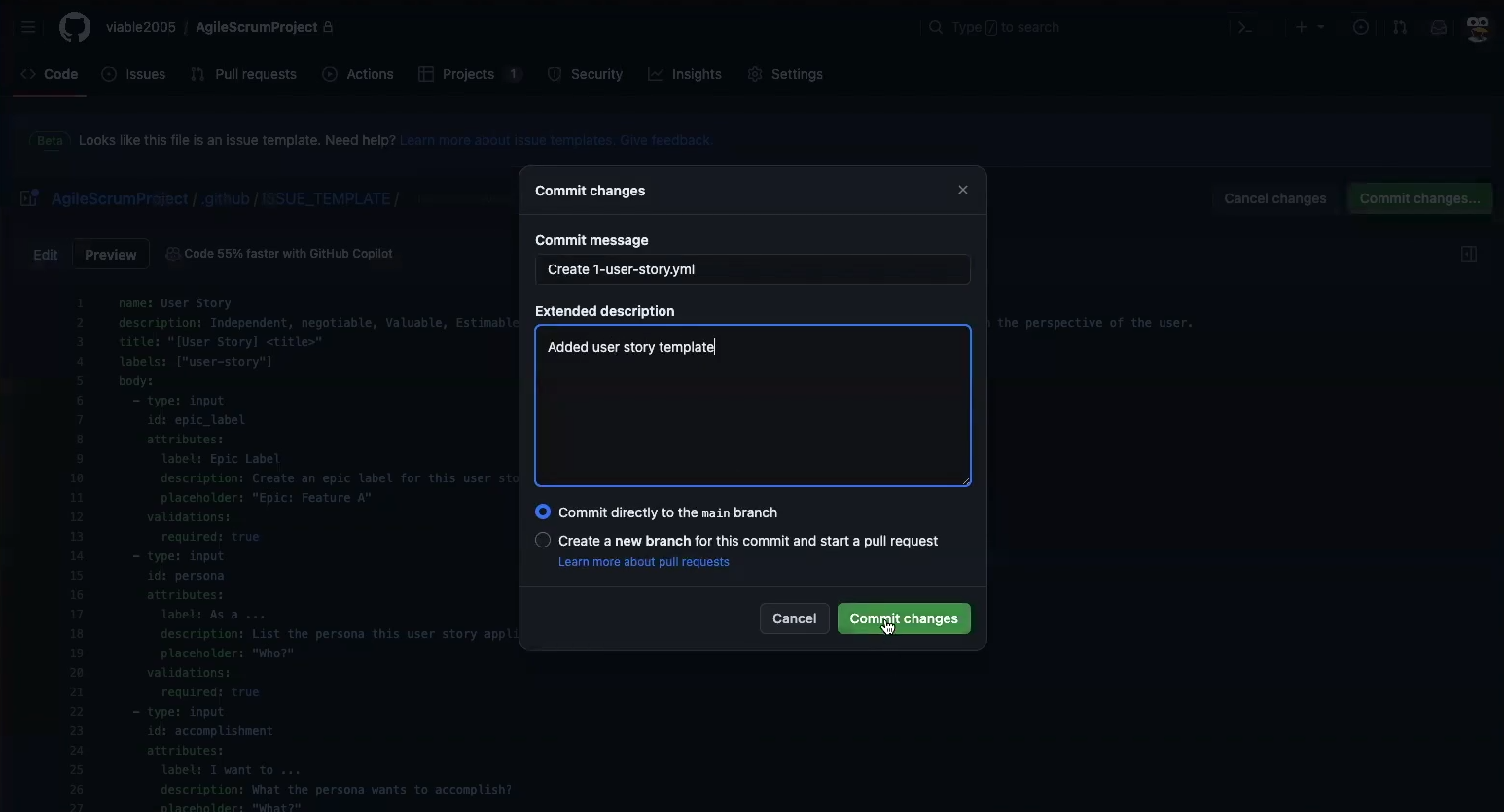
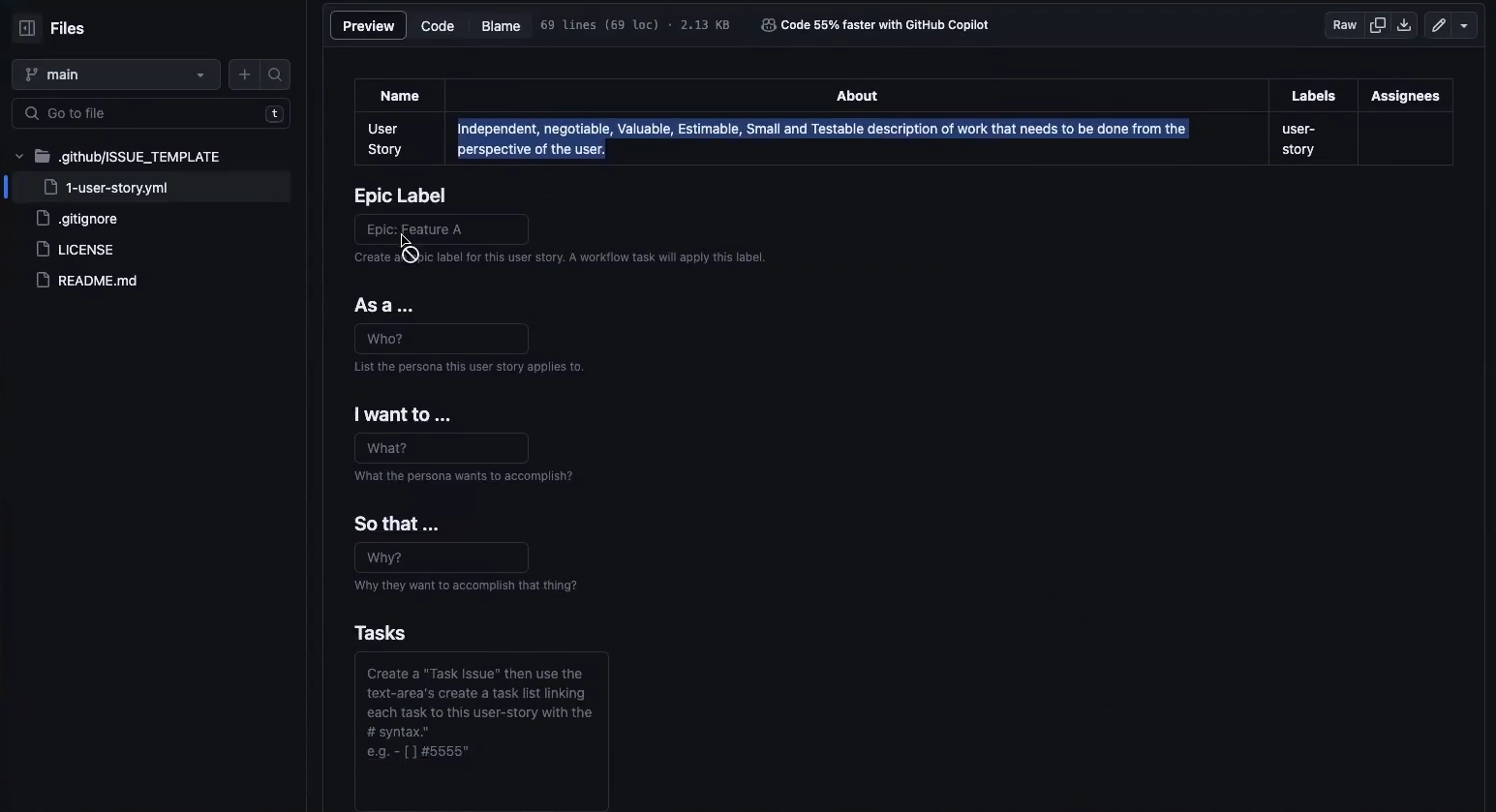
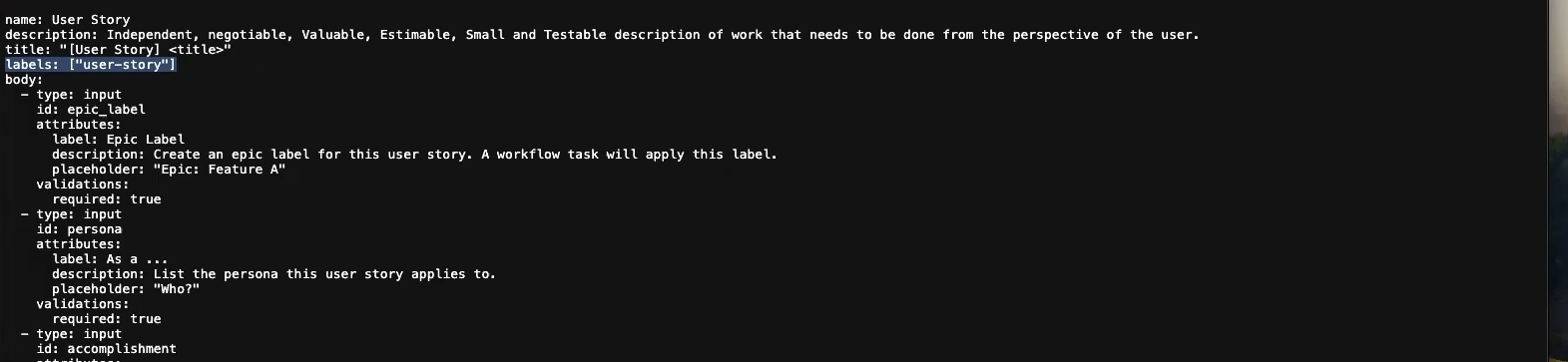
Go to Code Repository and create a new file Create .github and ISSUE_TEMPLATE directories Create 1-user-story.yml Commit and save 1-user-story.yml Confirm 1-user-story.yml previews correctly

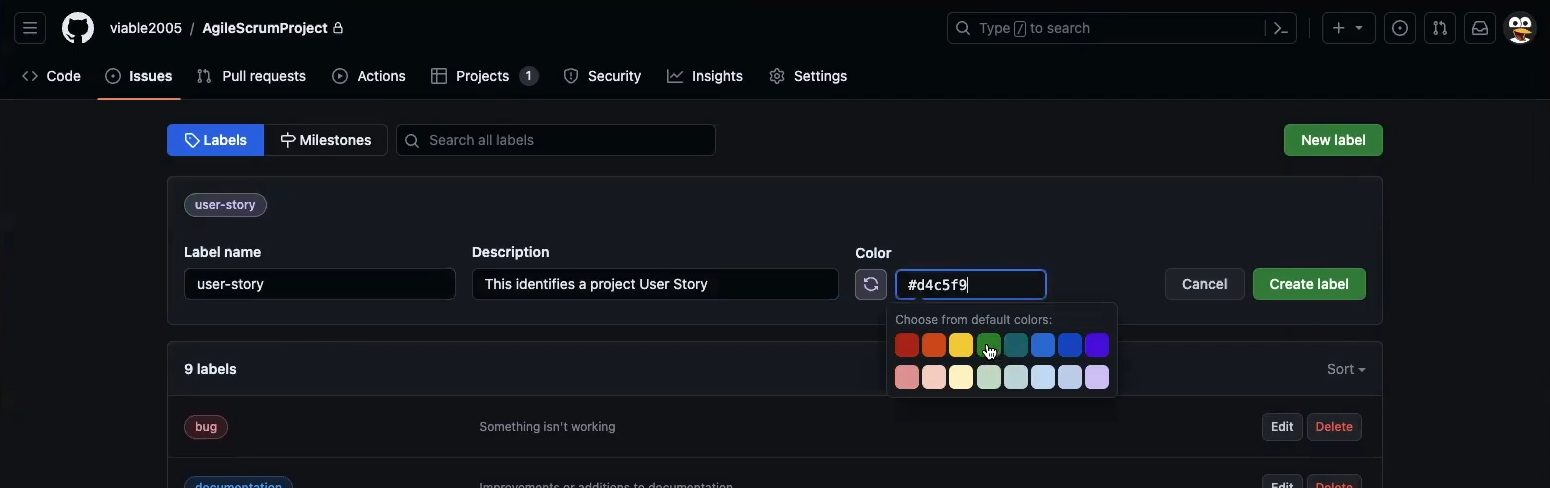
Add User-Story Label for Project Tag Filtering

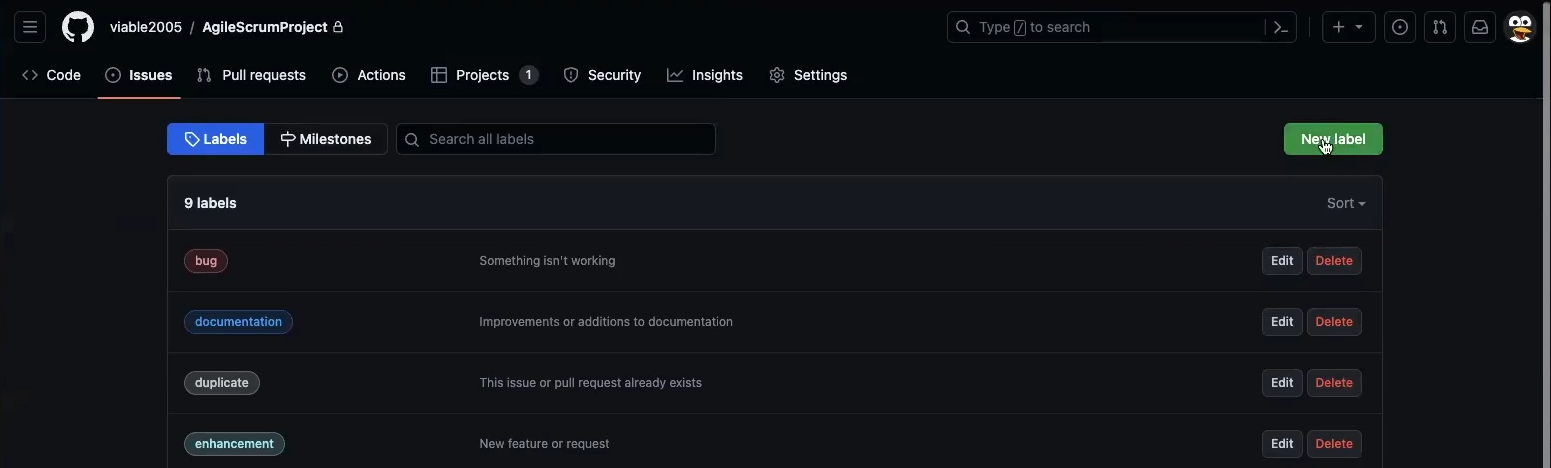
Note the label key in the 1-user-story.yml ![Go to Code Repo’s Issues link, then the Label link] (images/agile/IssueLabel002.png) Click on New Label Create and save user-story label matching 1-user-story.yml label key
Bug Issue Template Setup

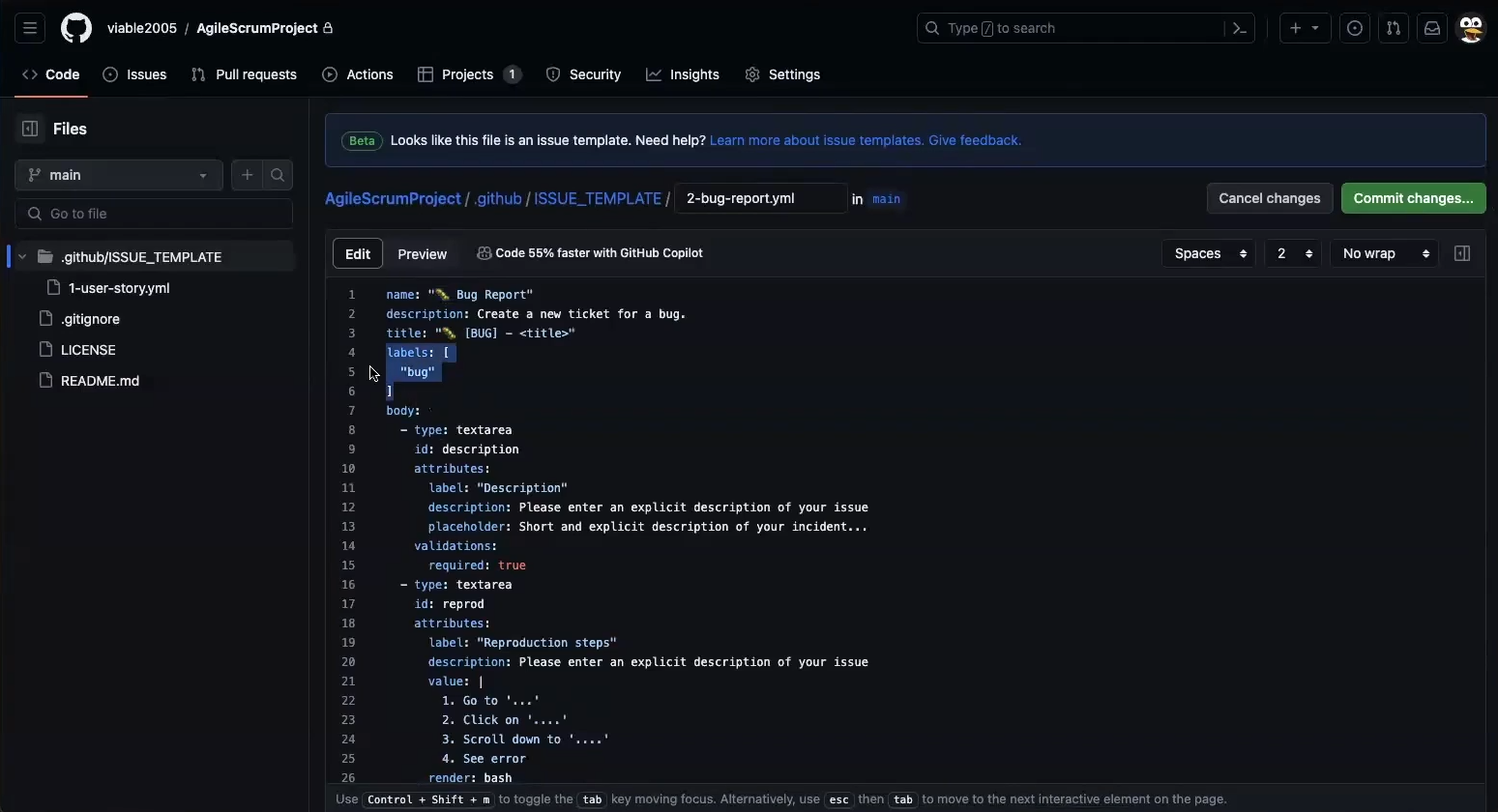
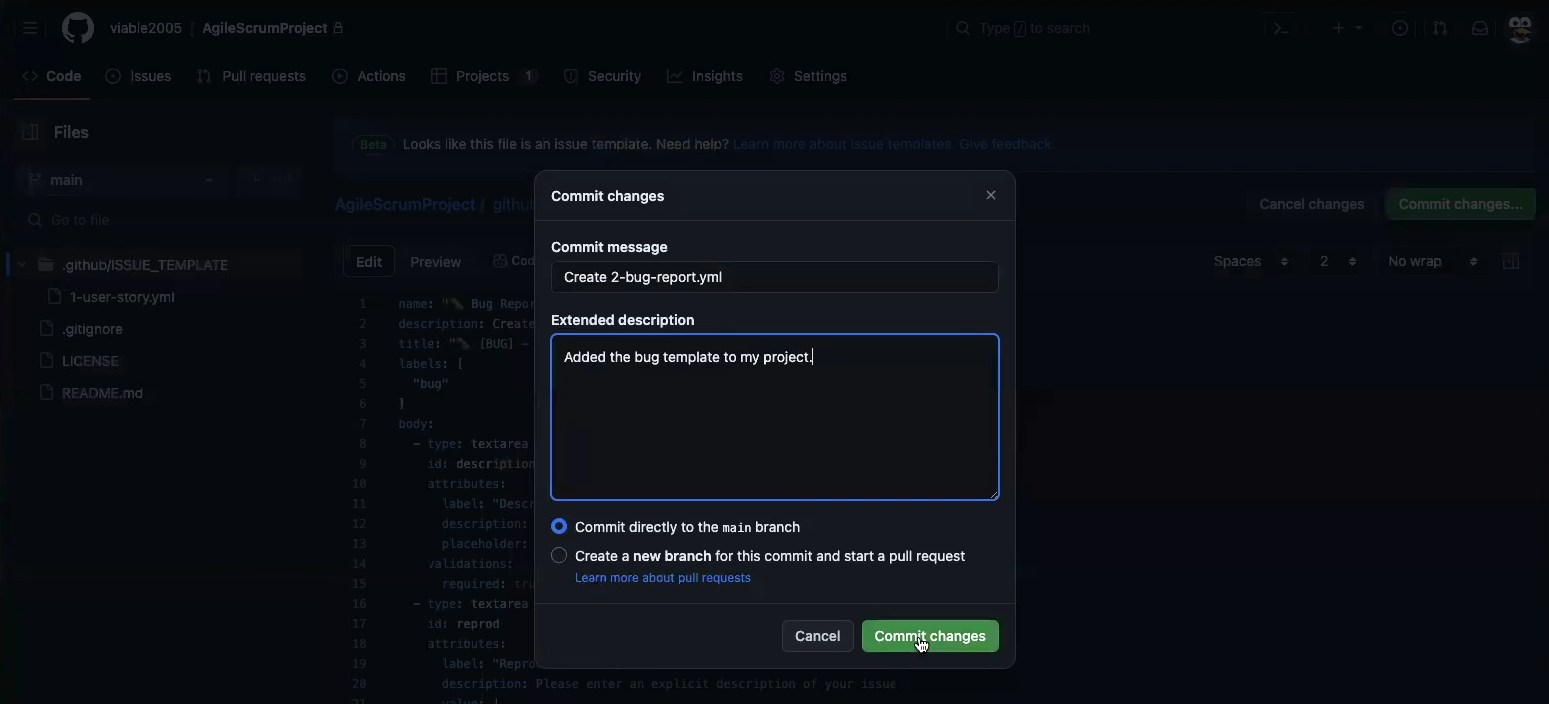
Create 2-bug-report.yml file in ISSUE_TEMPLATE Save and commit 2-bug-report.yml file

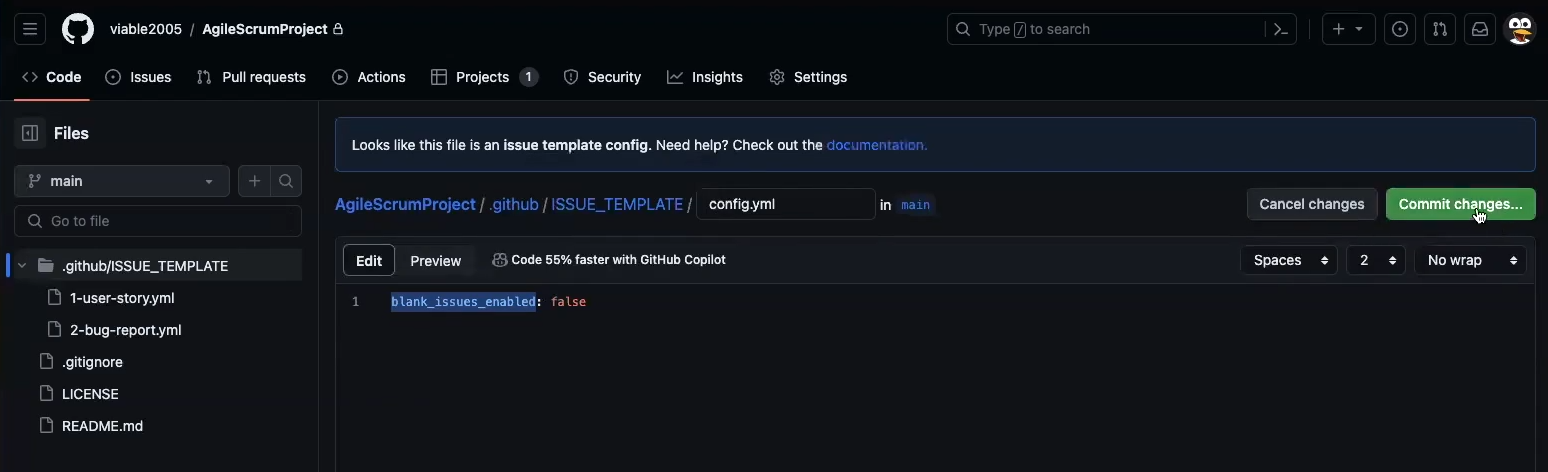
Project Config (Restrict Issue Entry)

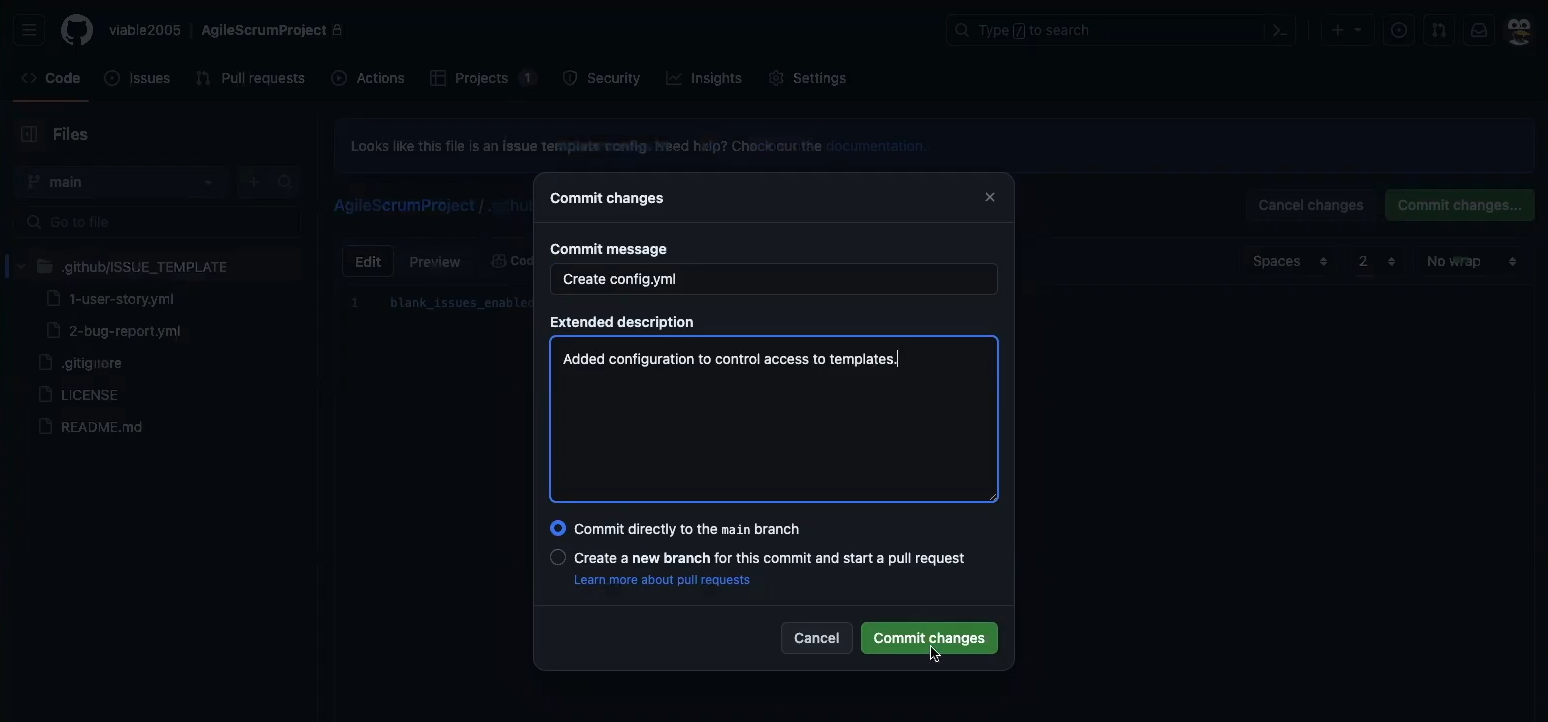
Add config.yml to ISSUE_TEMPLATES Save and commit config.yml

Setting up Workflows

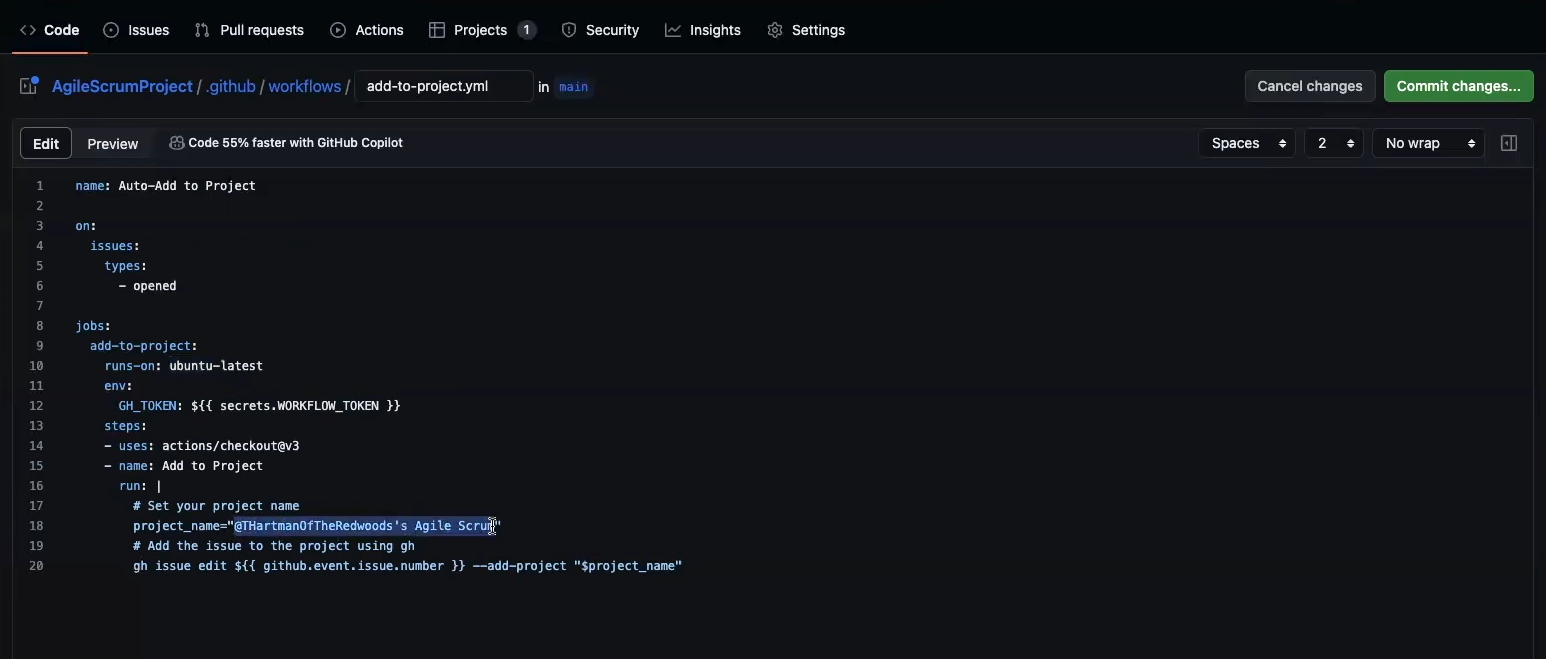
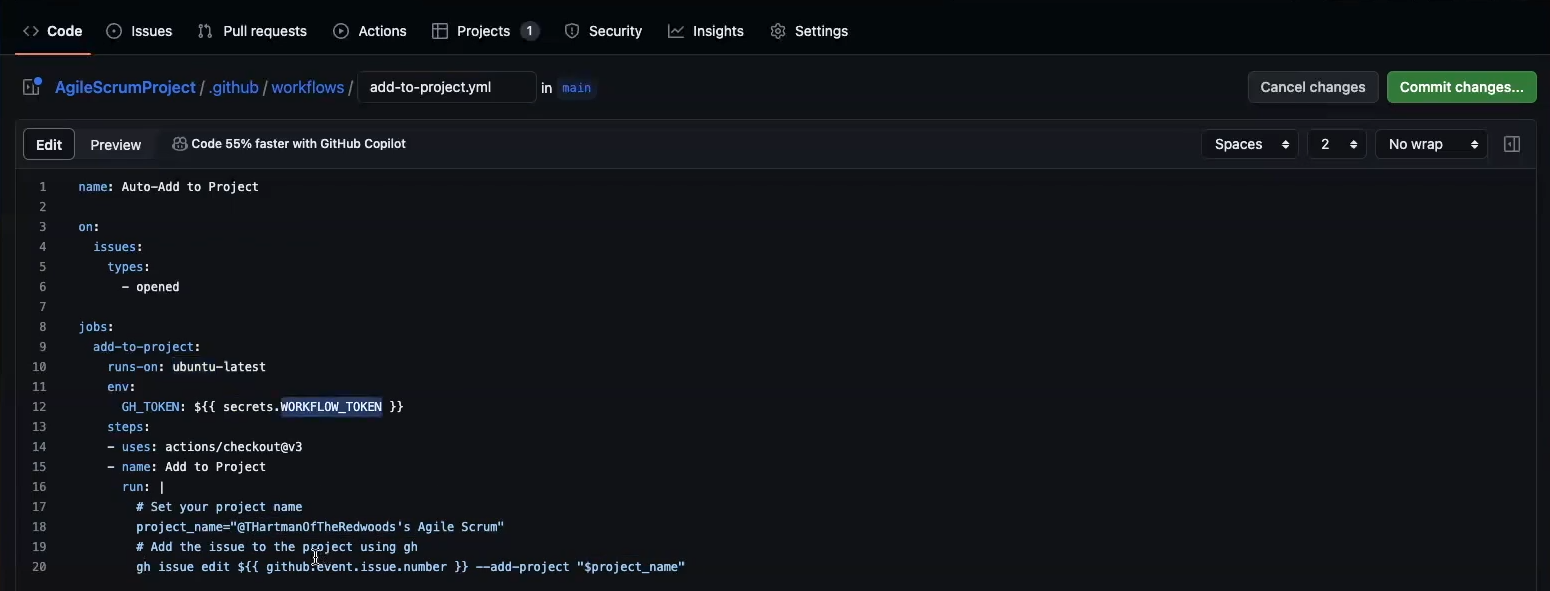
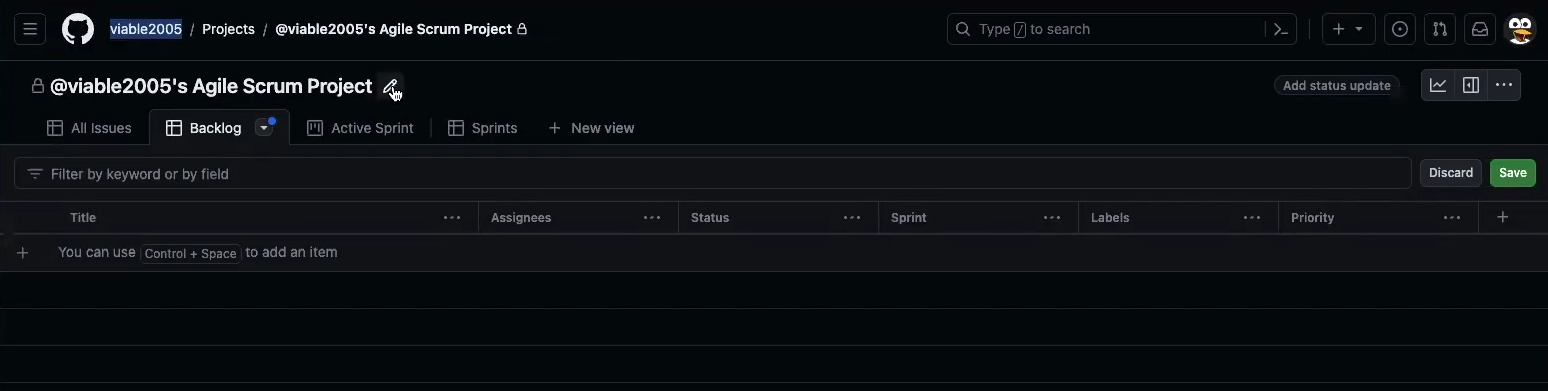
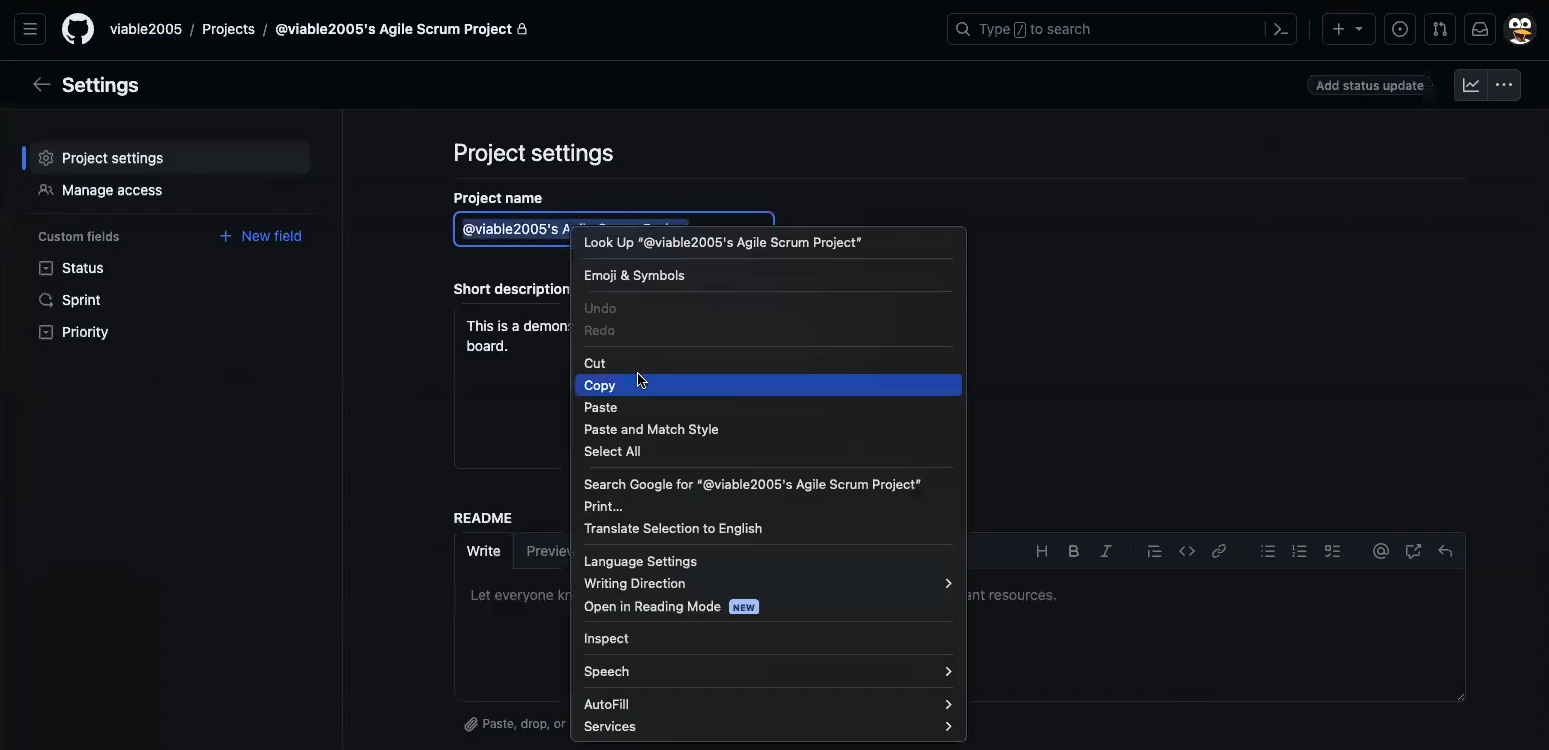
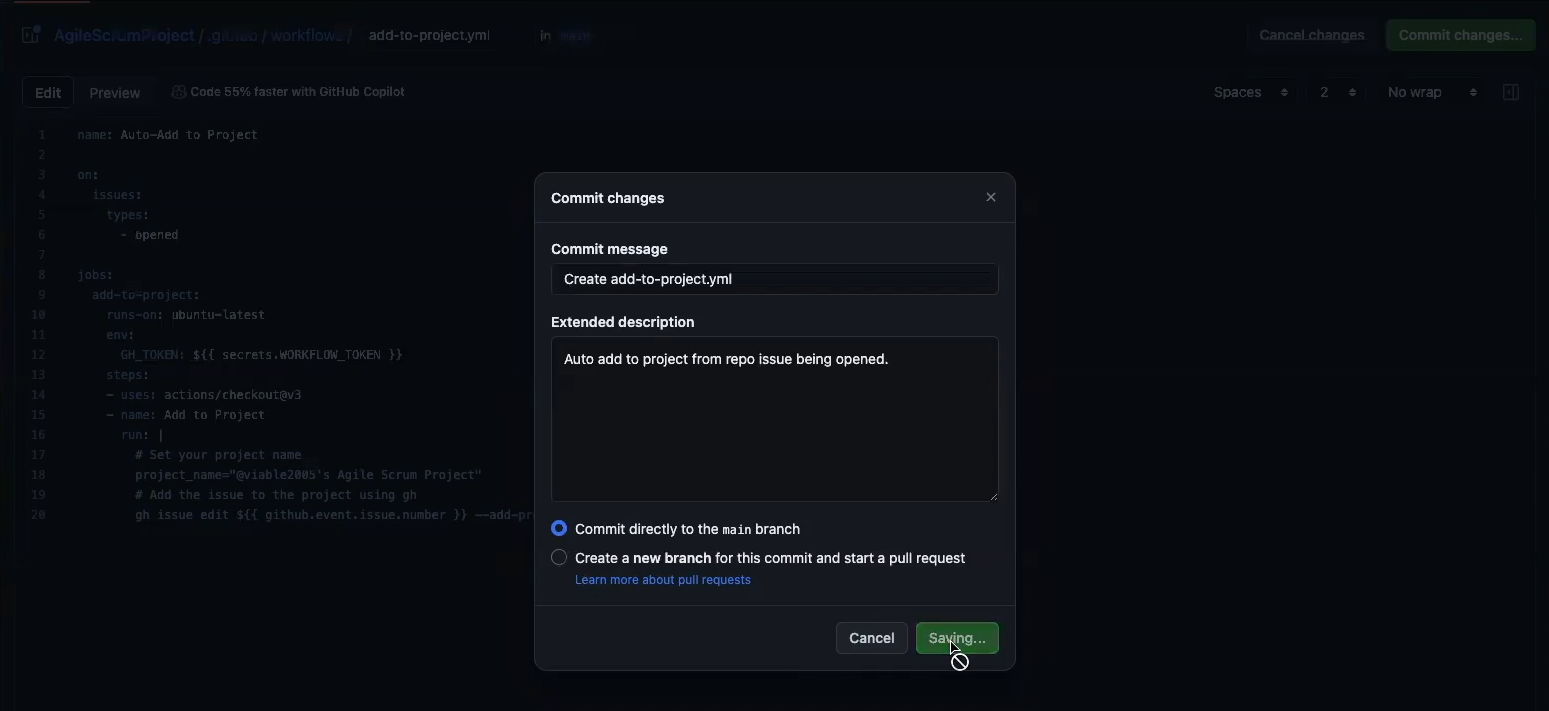
Create .github/workflows directory and add add-to-project.yml file Note you need to replace the project_name variable, and update the WORKFLOW_TOKEN Edit your Project Dashboard Copy your Project's Name Update add-to-project.yml and commit and save

Setting up Workflow To Add Epic Labels

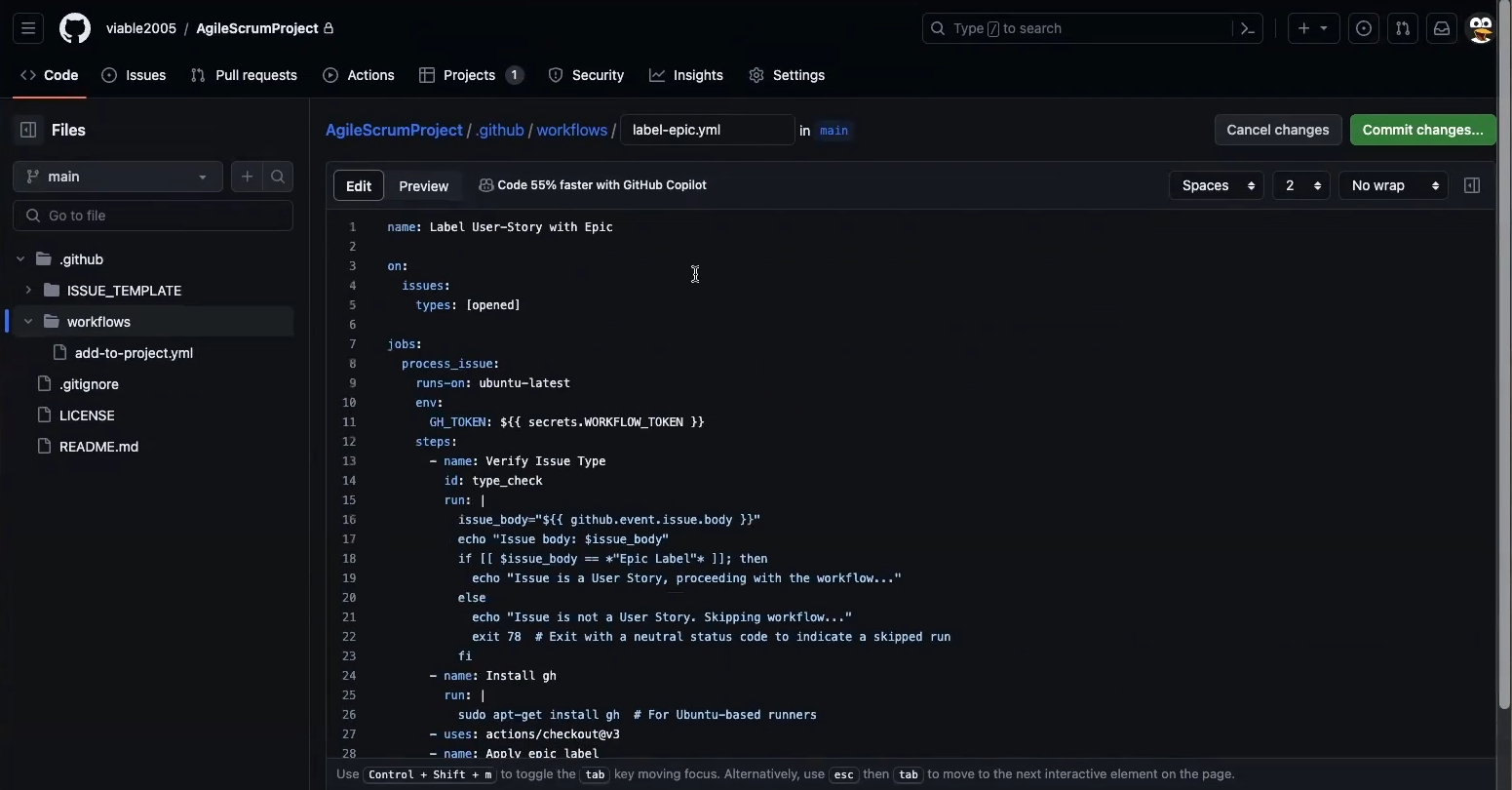
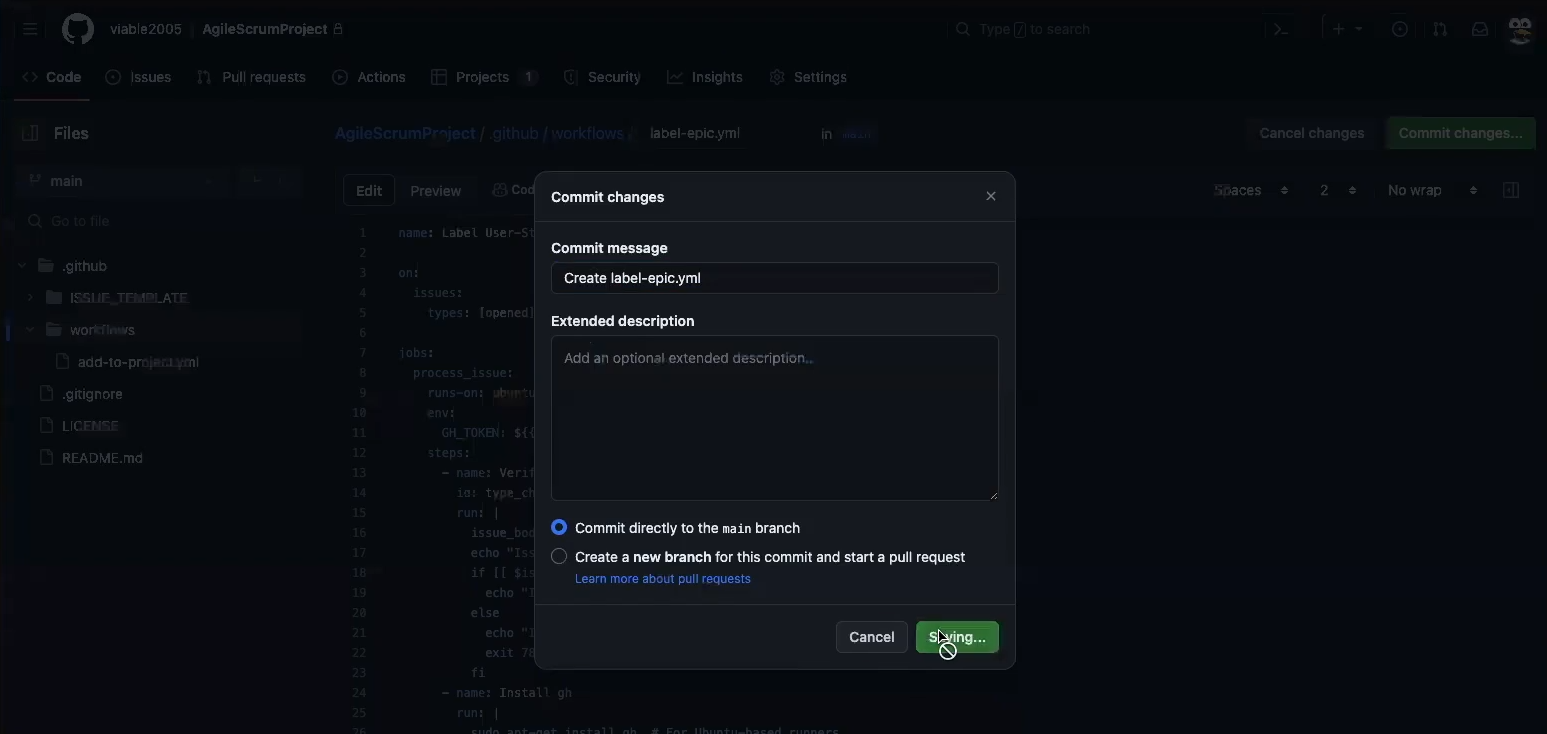
Create label-epic.yml file in workflows Commit and save label-epic.yml

Set up Workflow Token (Security)

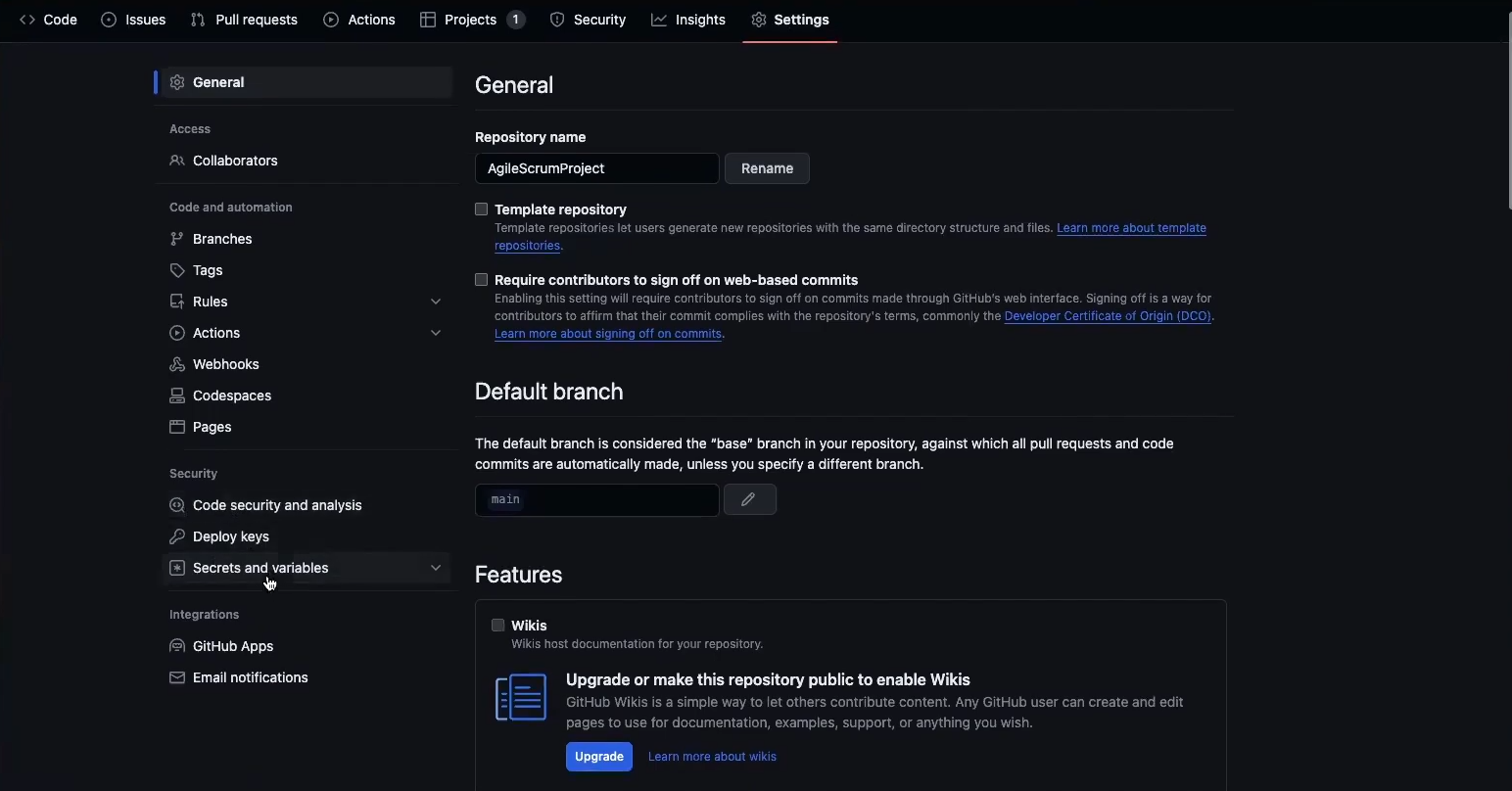
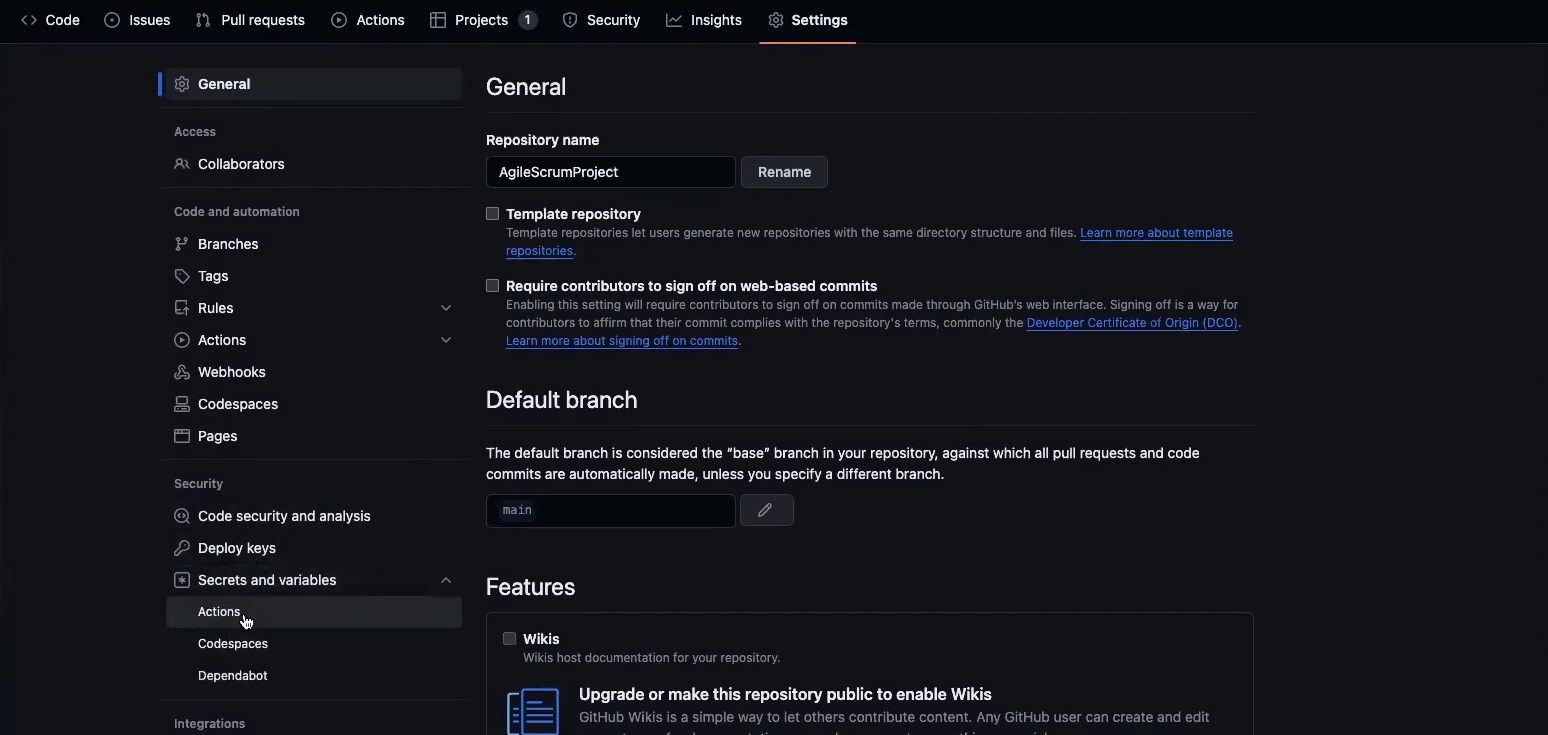
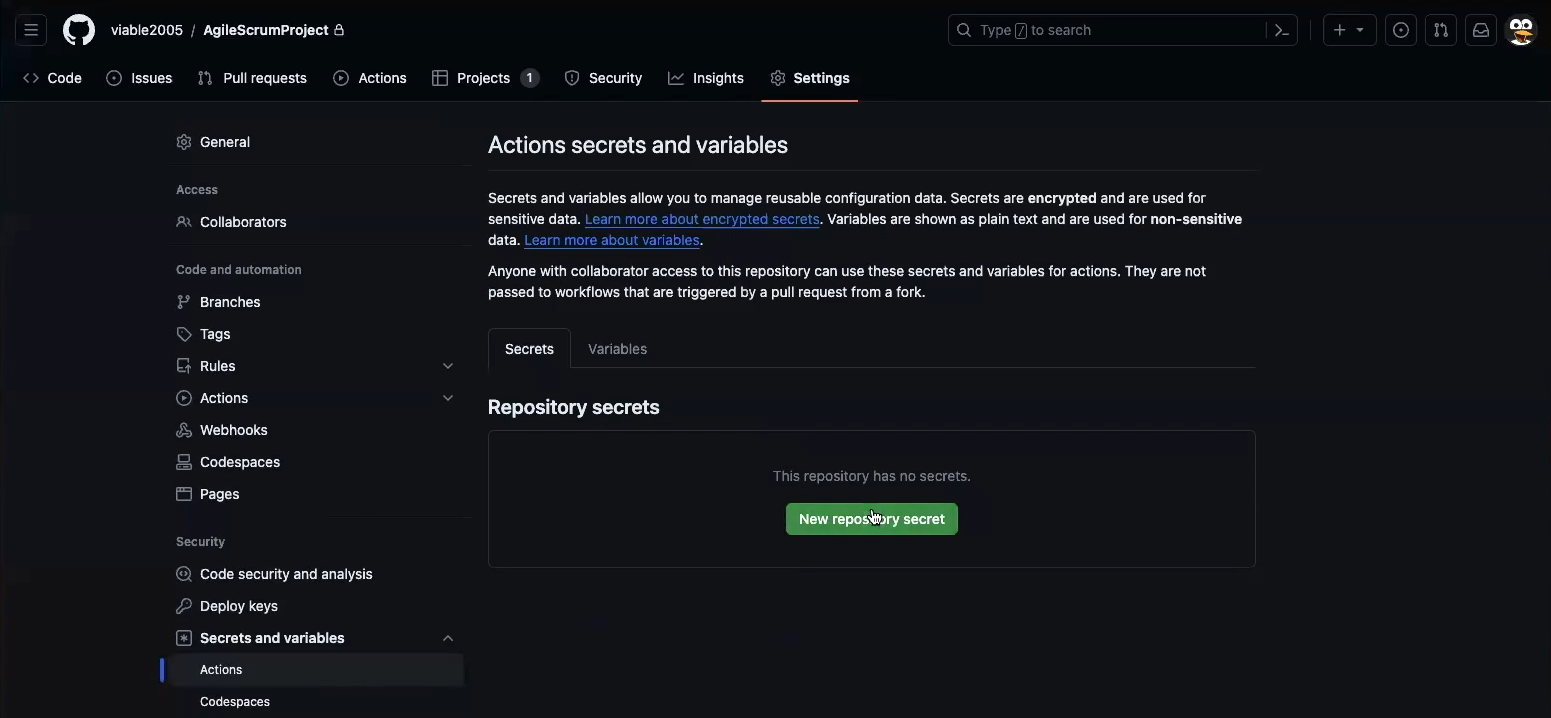
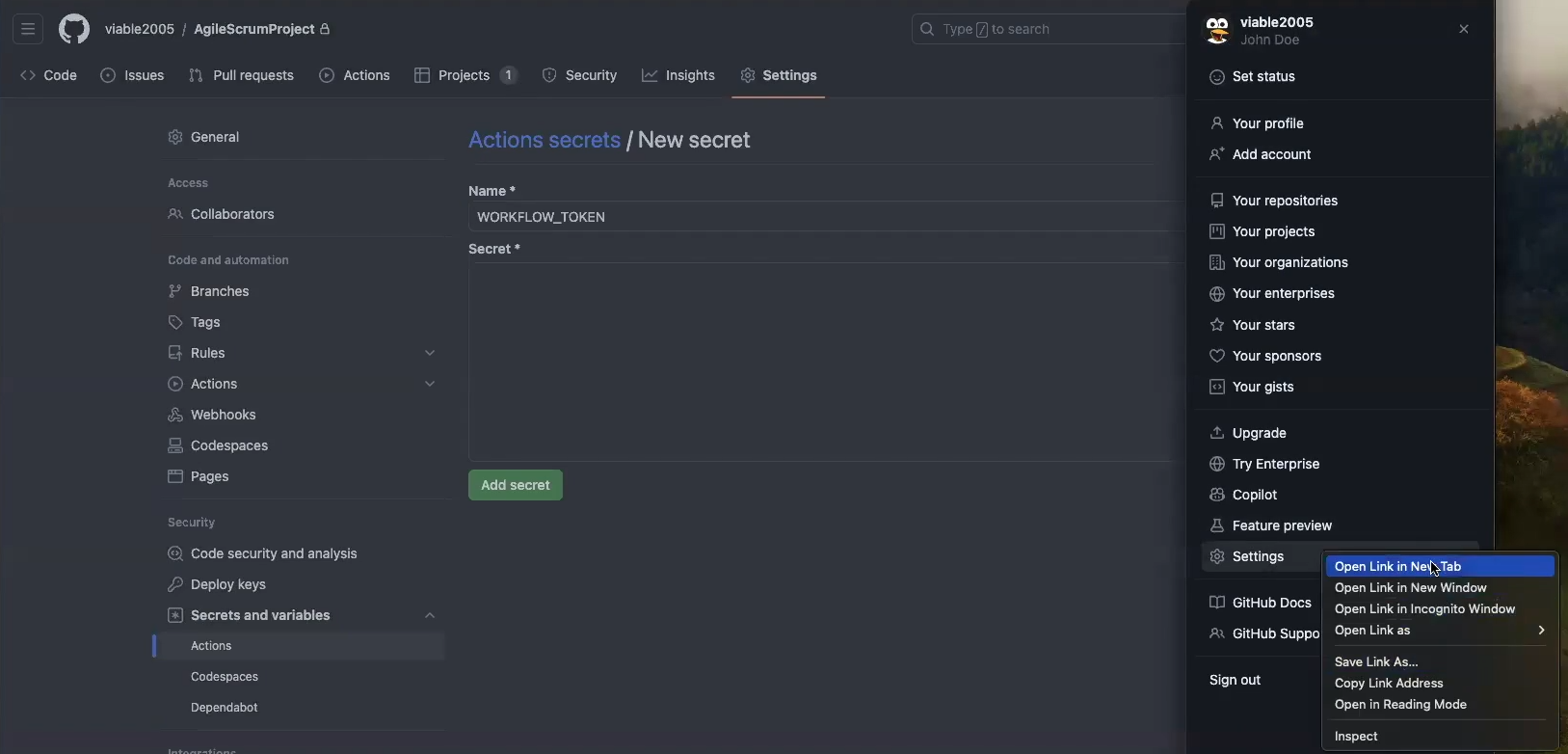
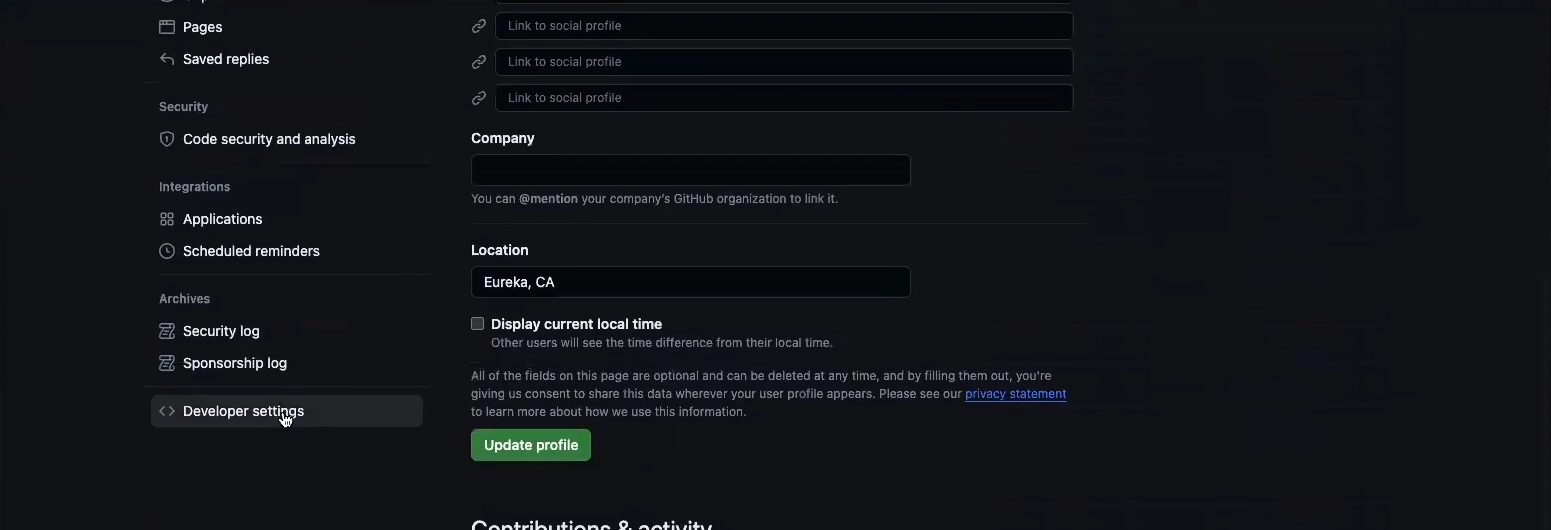
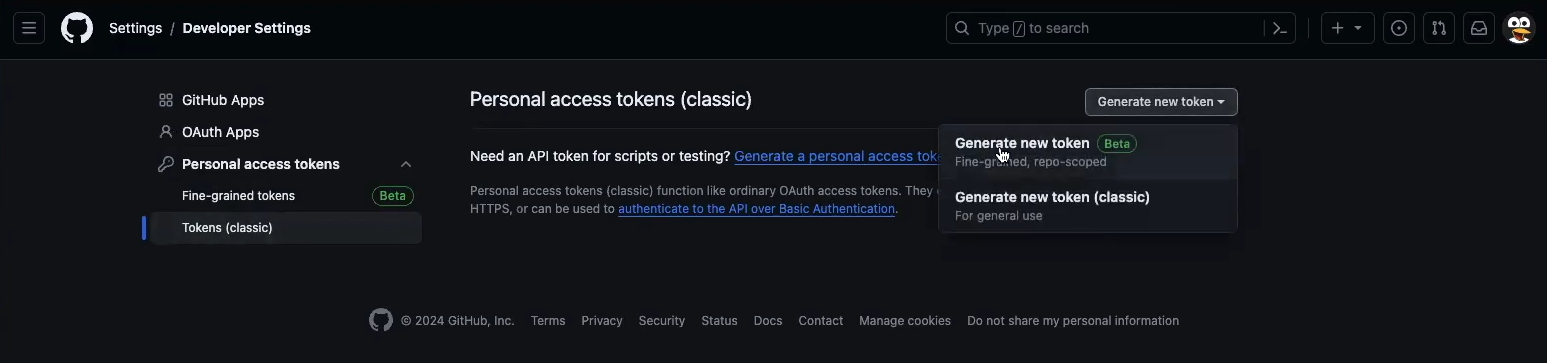
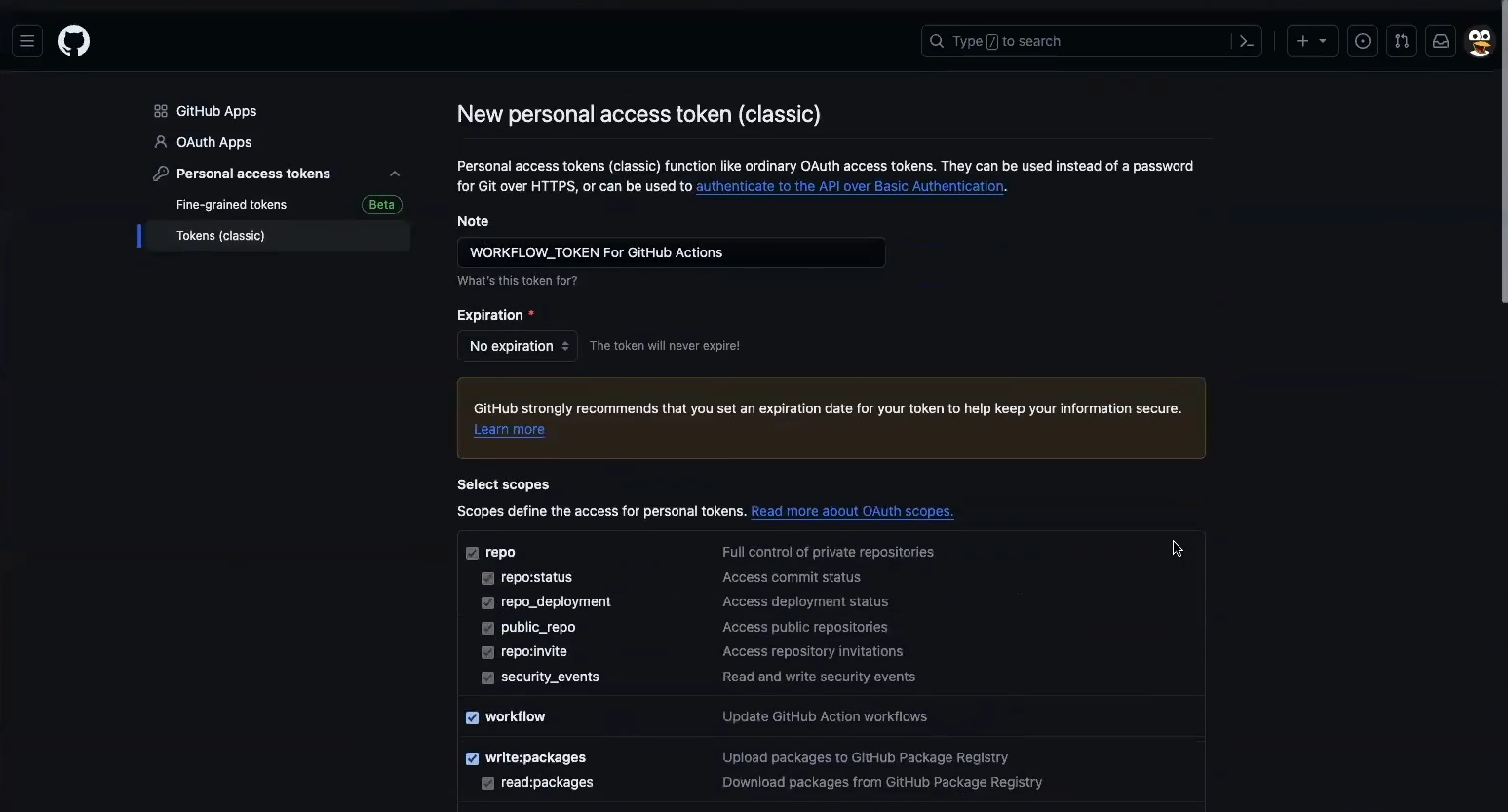
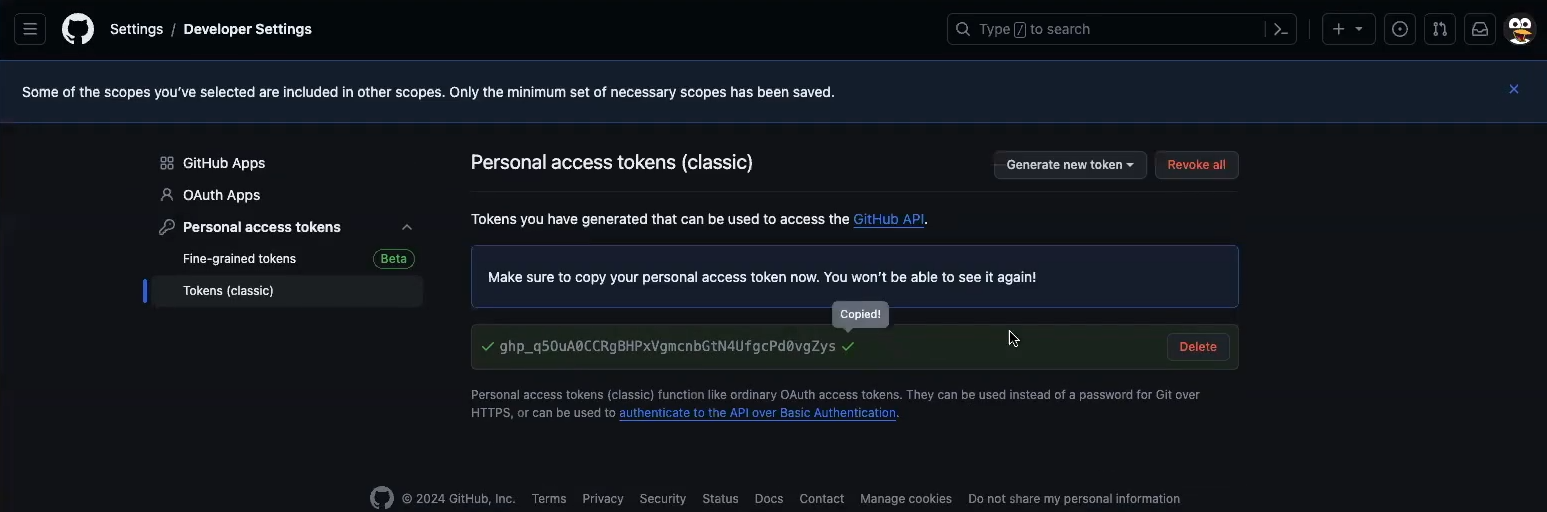
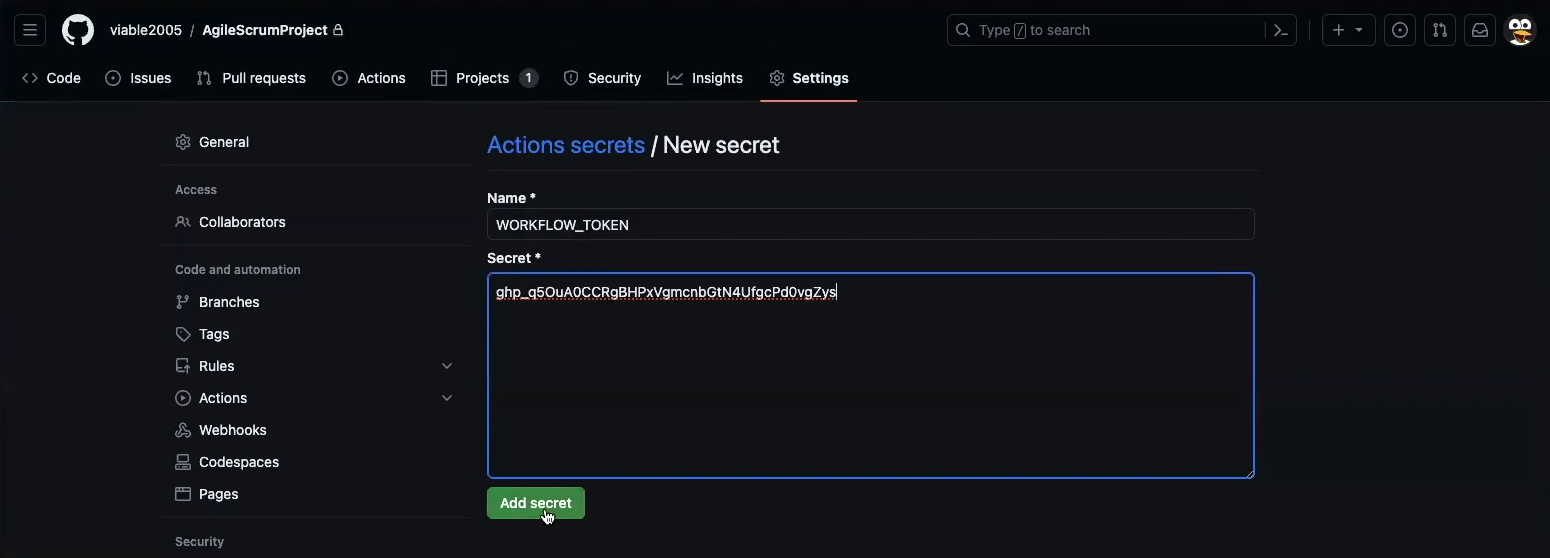
Go to Repo Settings Secrets and Variables Go to Secrets and Variables, Actions Add New Repository Secret Name it WORKFLOW_TOKEN just like workflow yml files Go to Profile Settings Scroll to Devloper Settings and Click Add a Classic Token Give it a name and select security options Copy token back to Repository Secret value field for WORKFLOW_TOKEN

Creating an User-Story Issue

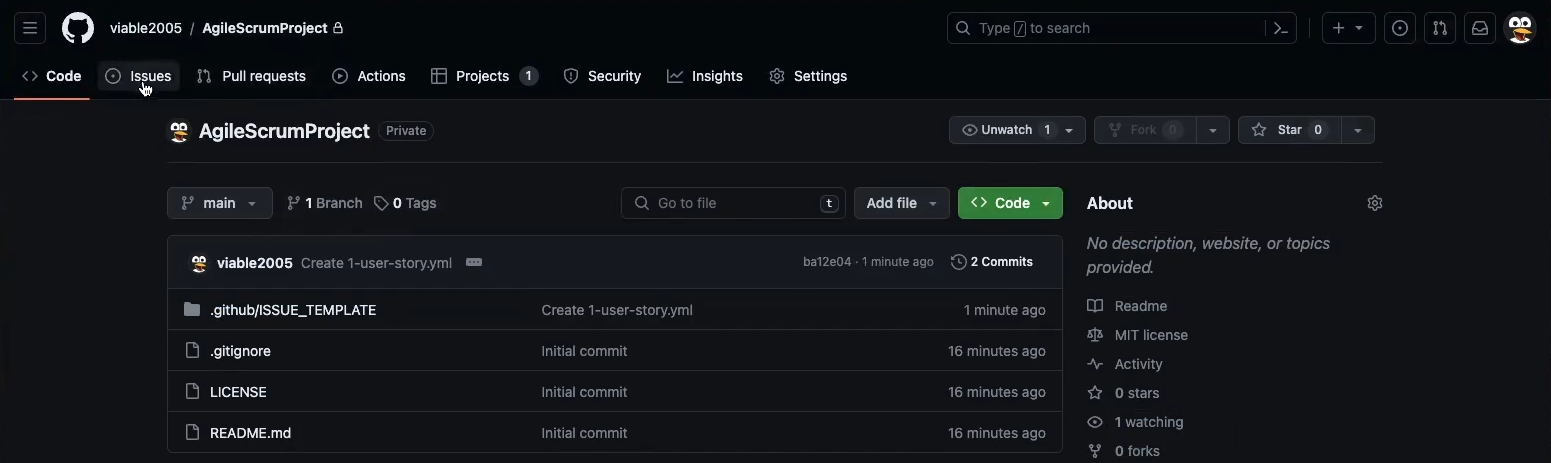
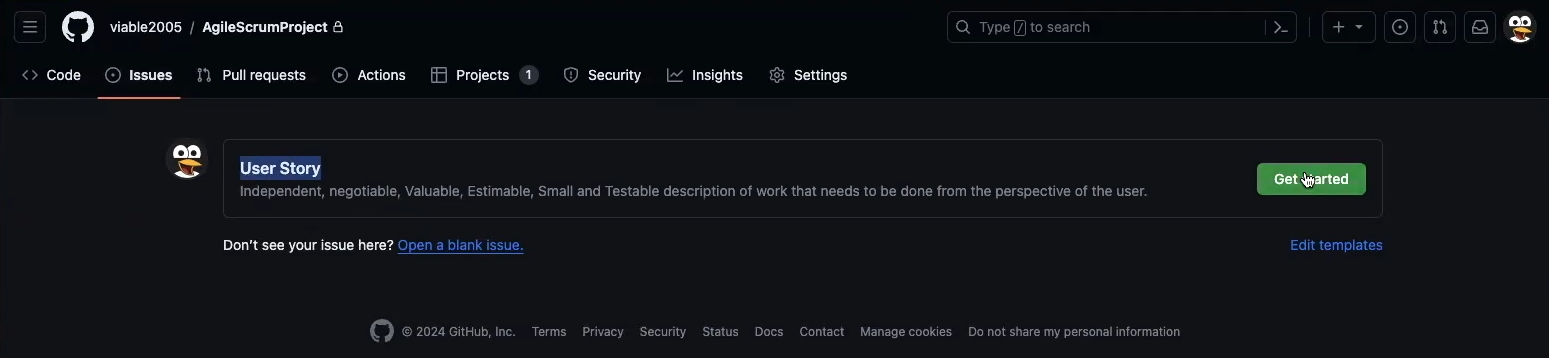
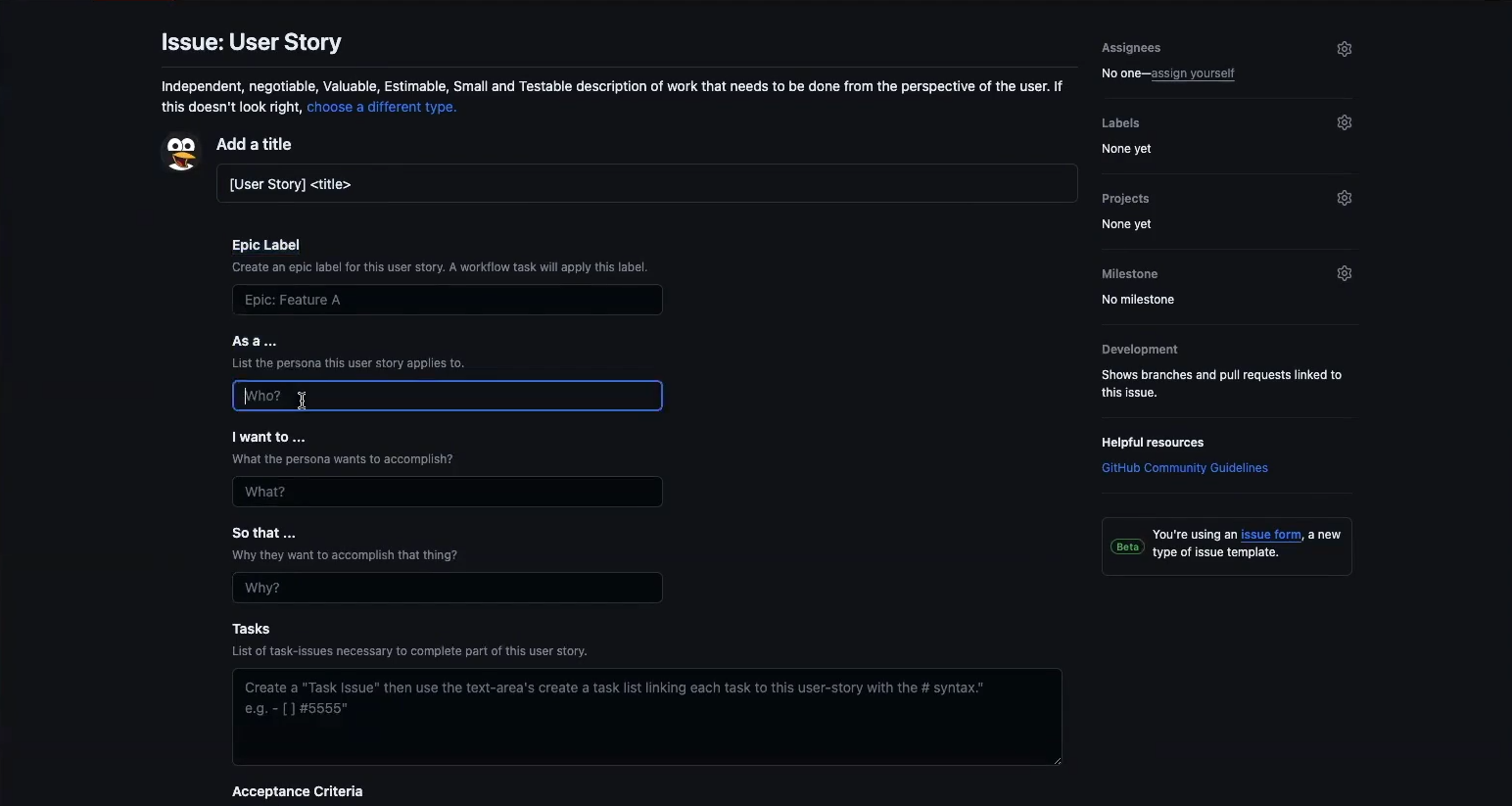
Go to Repo Issues link Click New Issue button Select Get Started on User Story issue template Fill out the template and save

Project Backlog Filtering

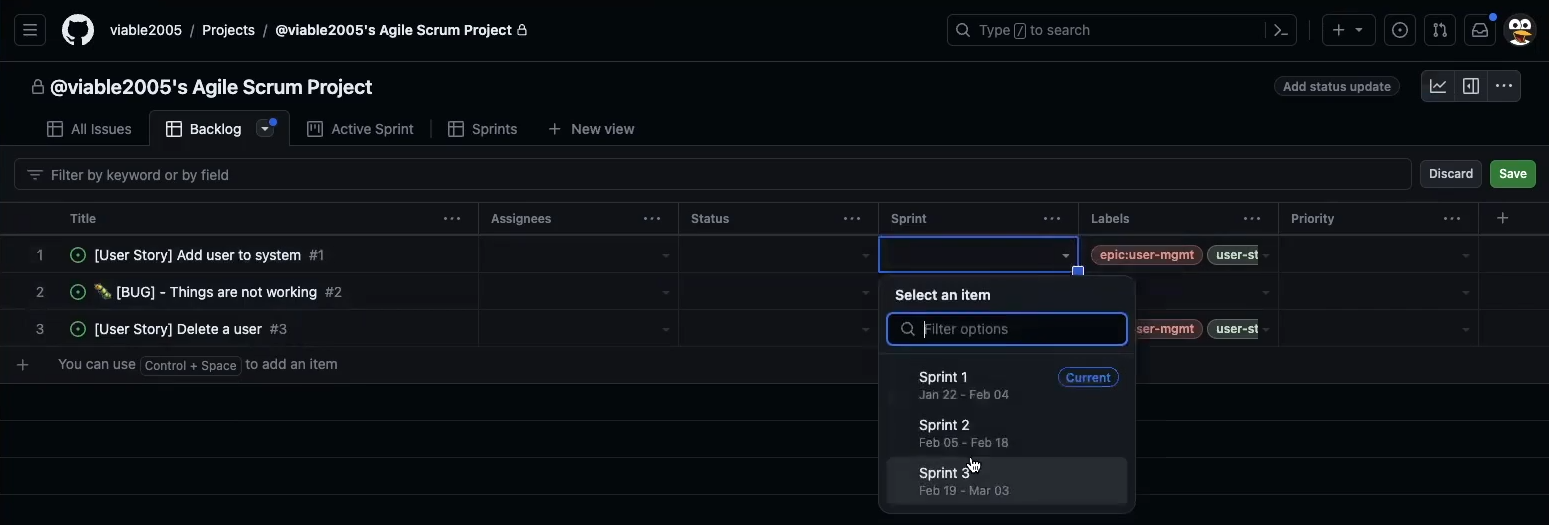
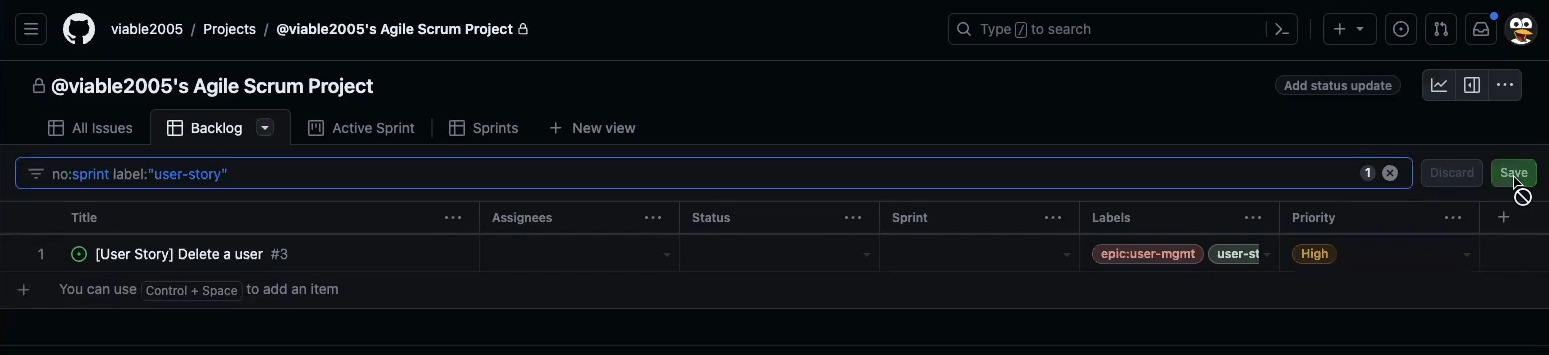
Demo of adding a backlog item to a sprint Add filter to filter only user-story issues not assigned to a sprint

Project Active/Current Sprint Filtering

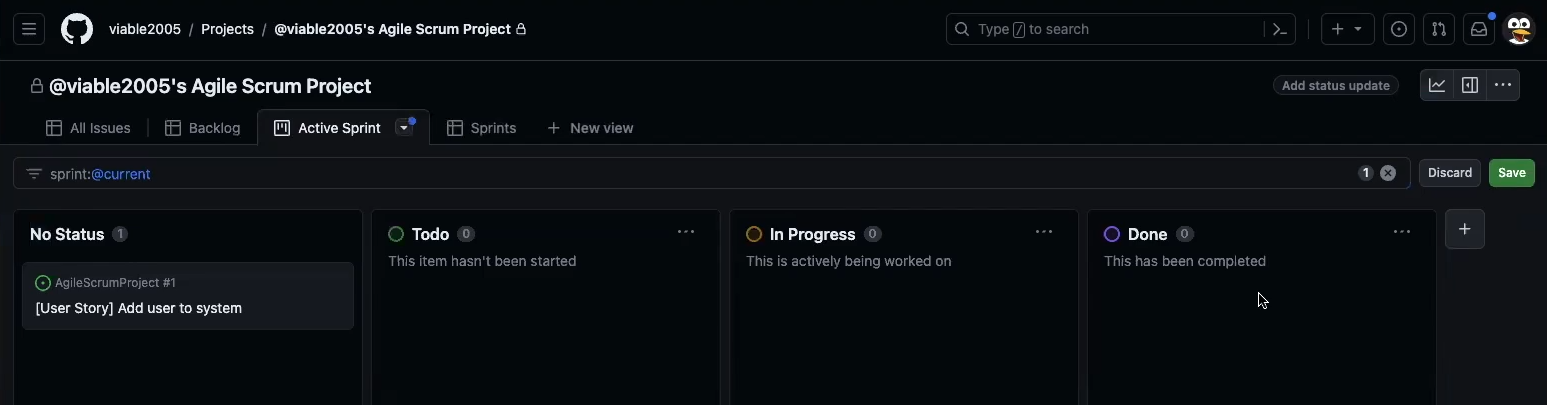
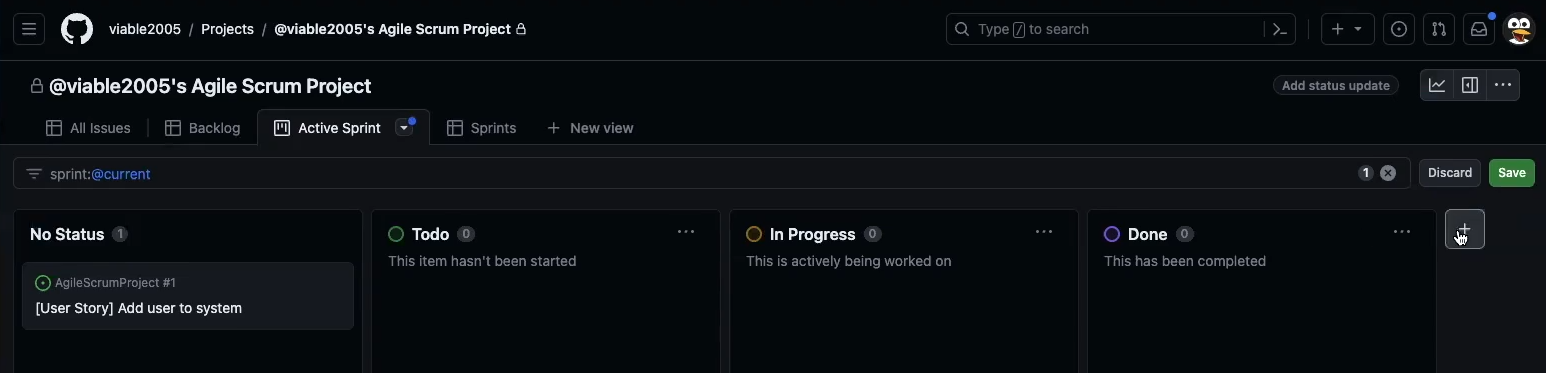
Add Filter to only show the current sprint

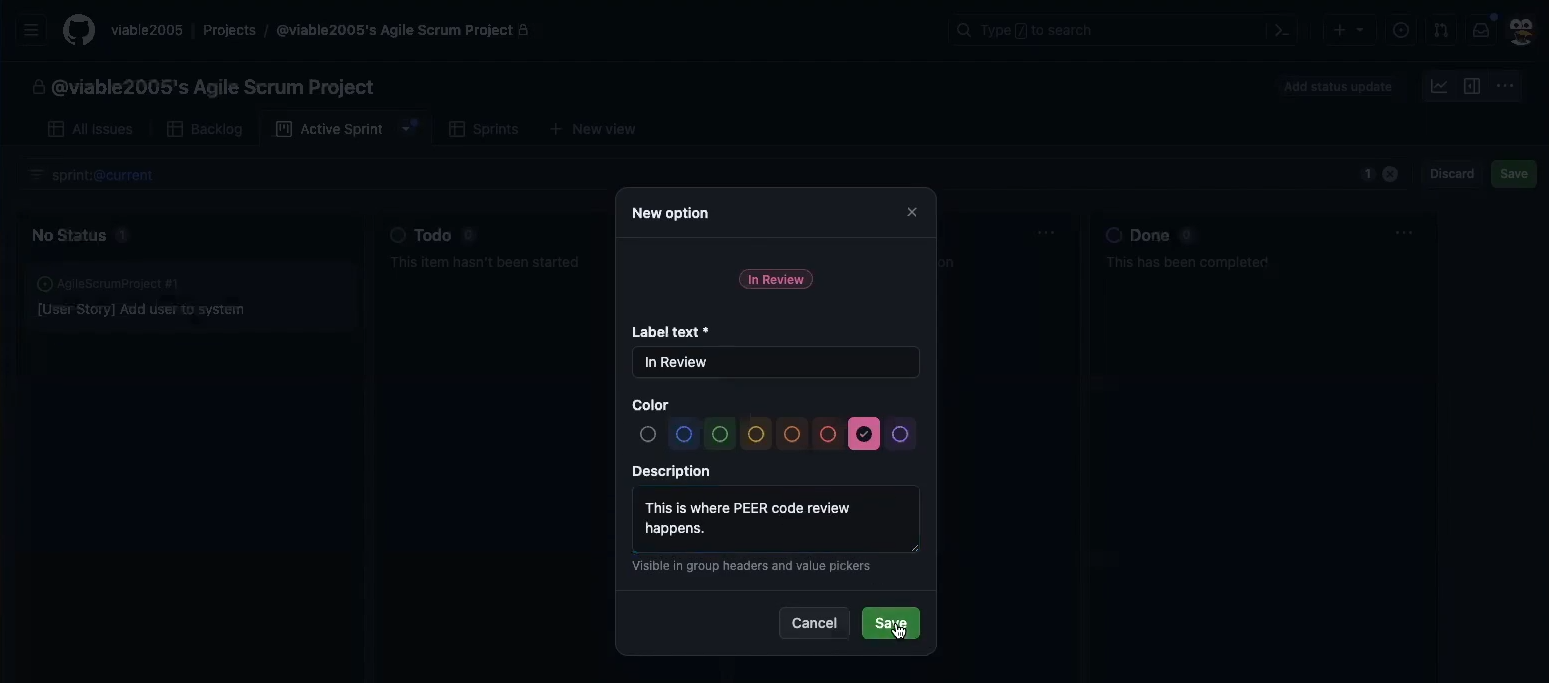
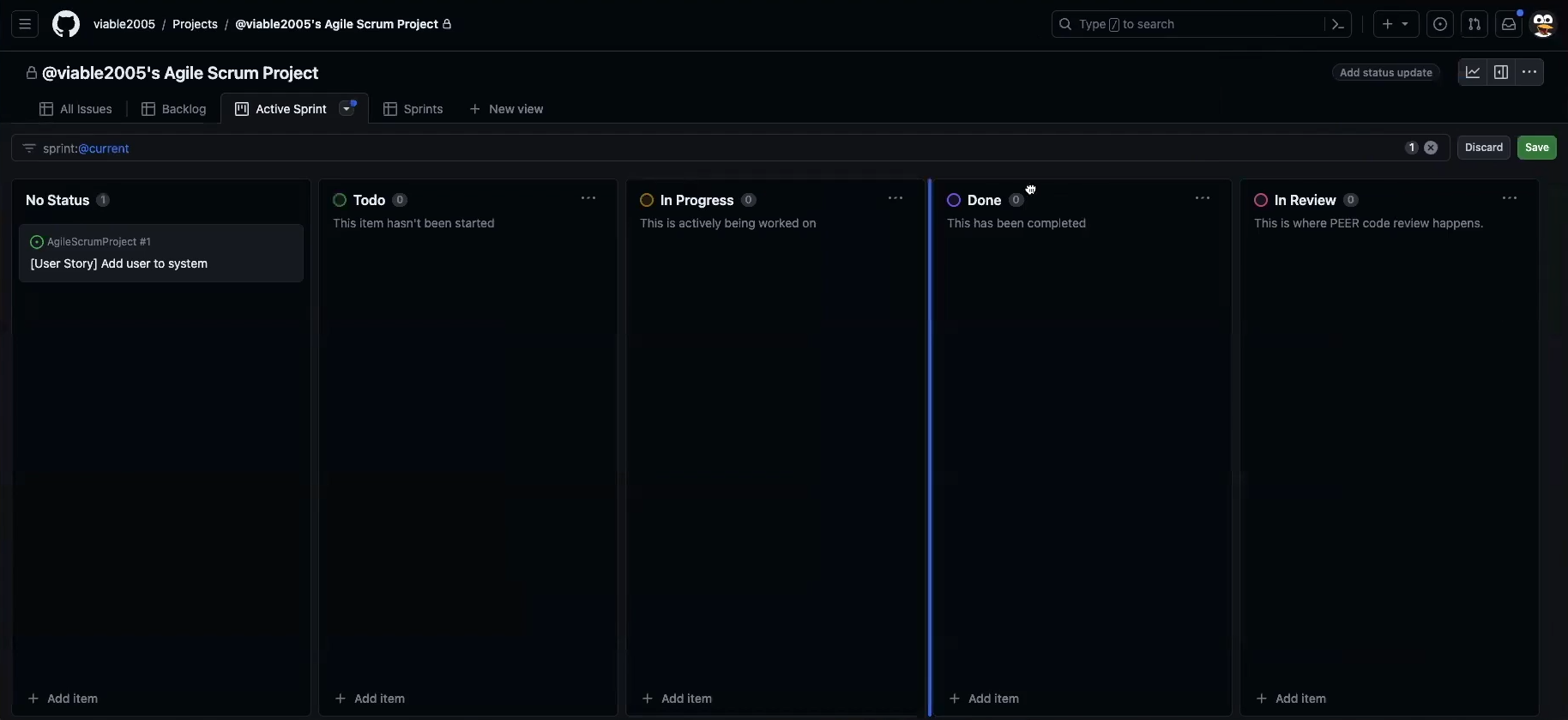
Active/Current Sprint Code Review Column

Add a column Make the column a Review Column Locate it before Done

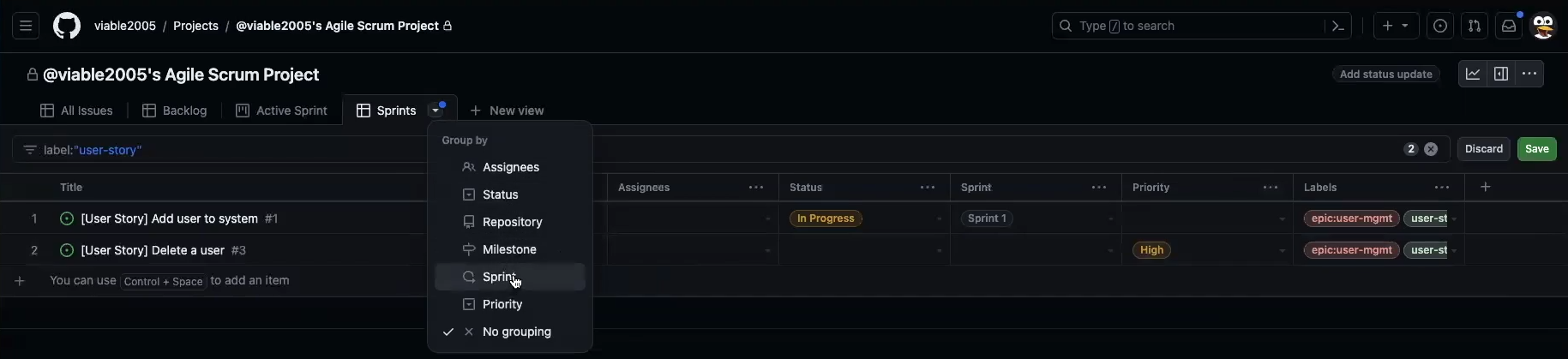
Filterng for Future Sprint Planning

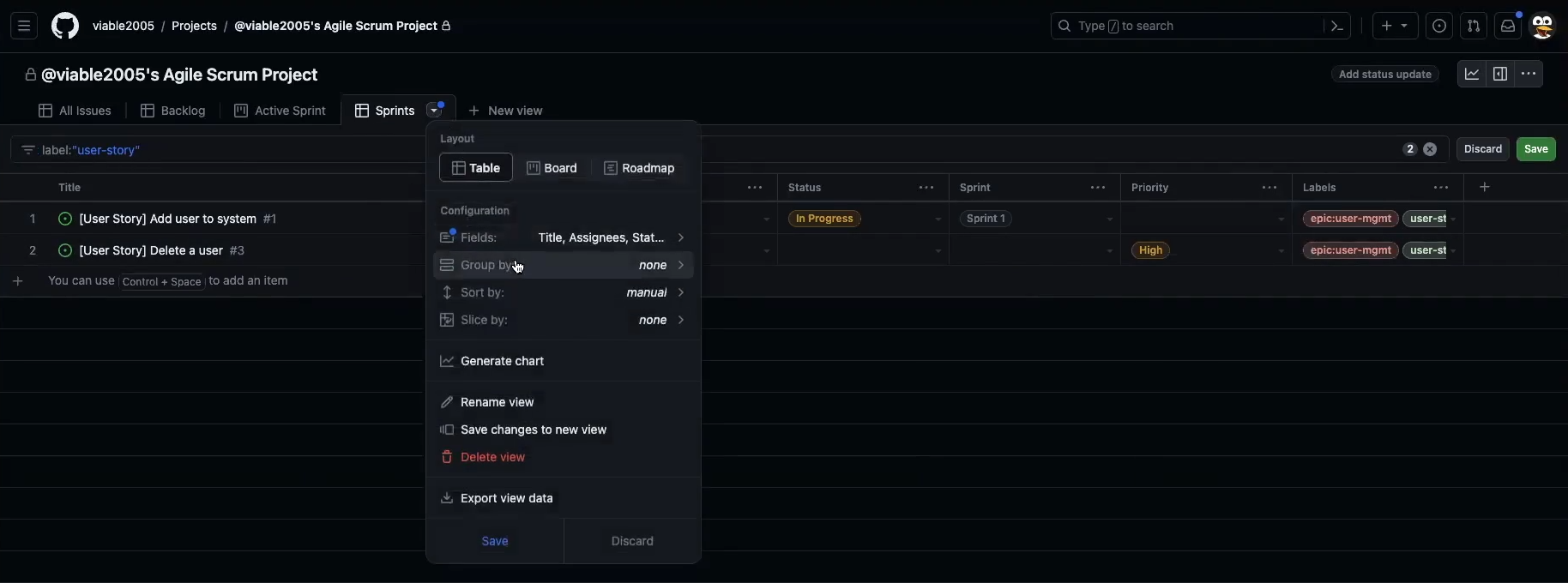
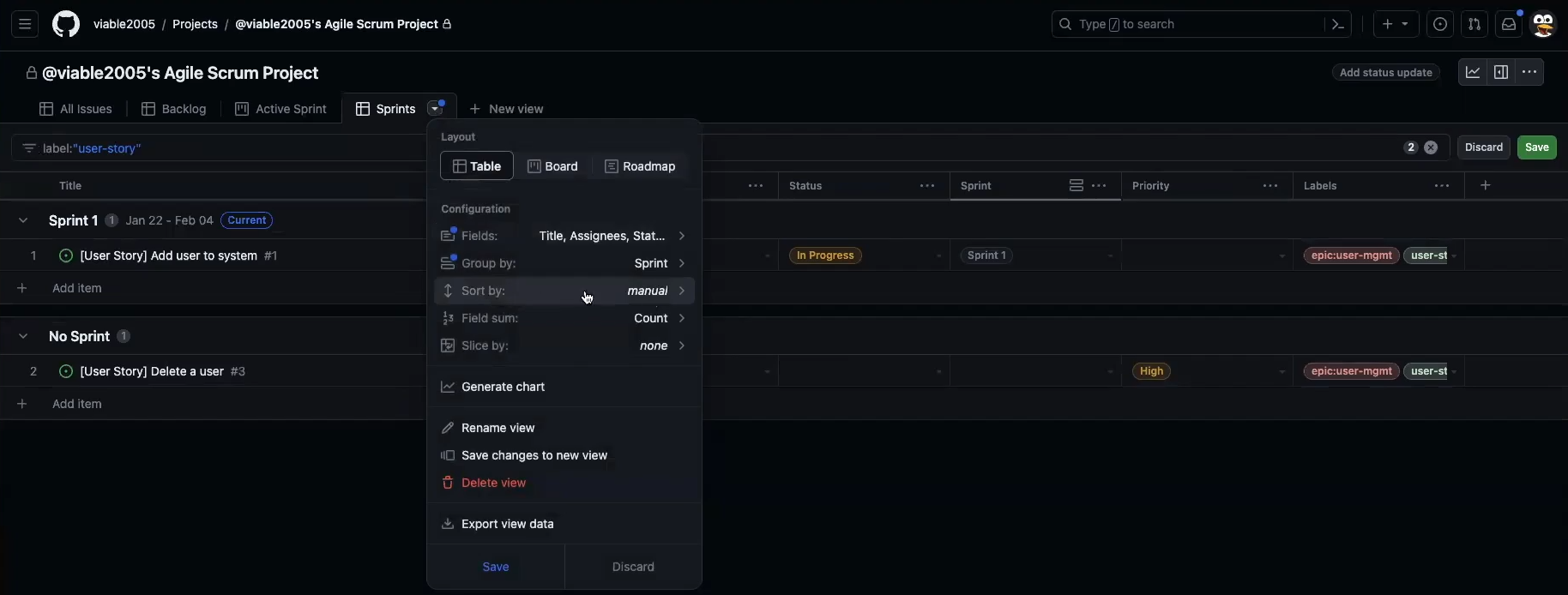
Add Filter to Group Sprints Select Sprint as Grouping

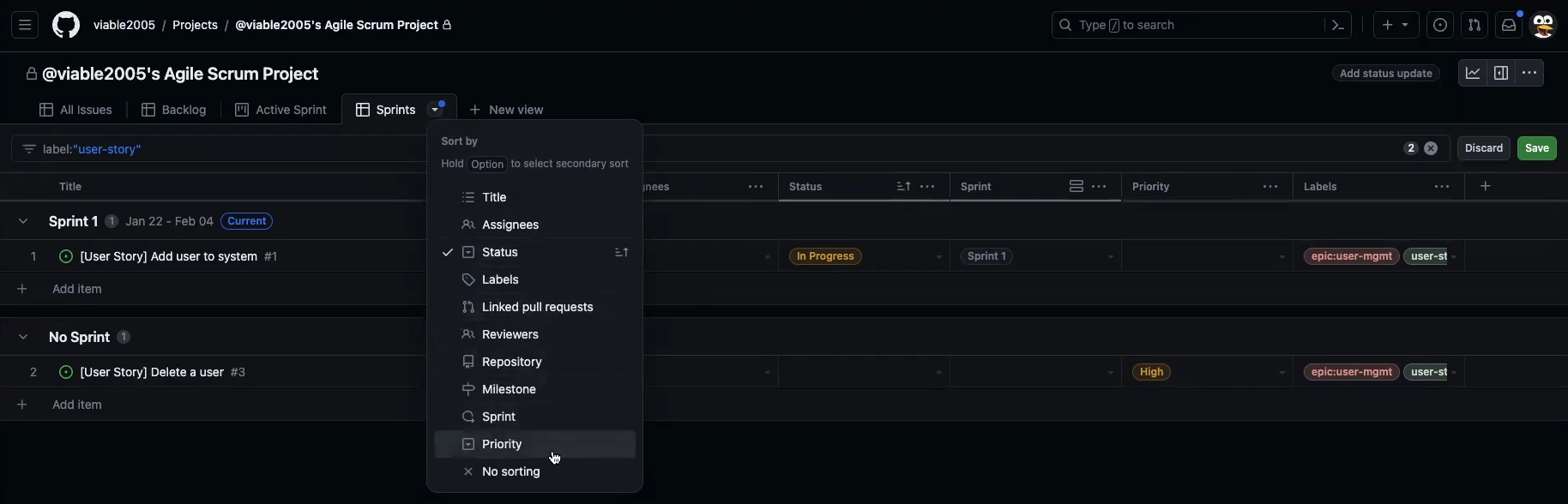
Sub Group Filtering for Sorting Group Filters

Sort Sprint Groups by Status Select Status as sub group sort

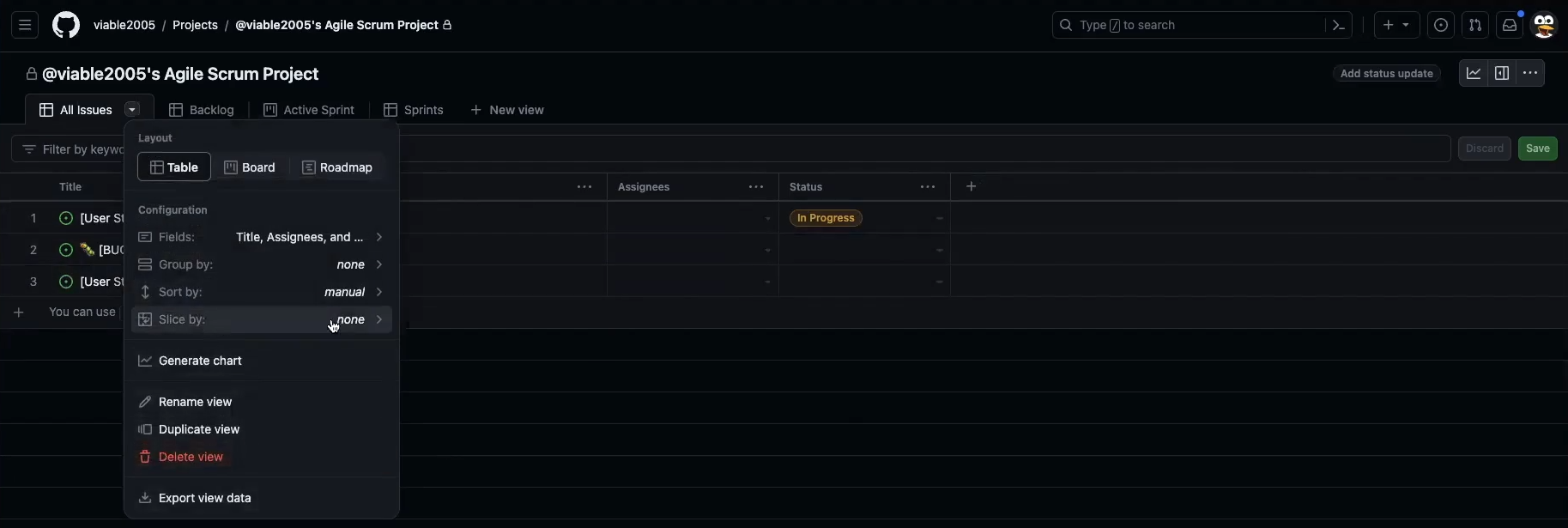
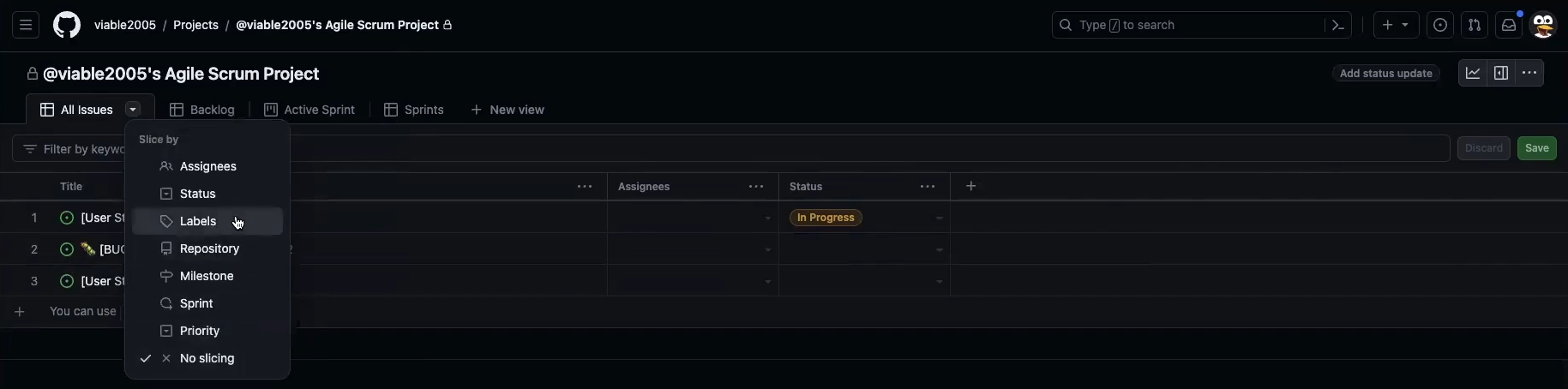
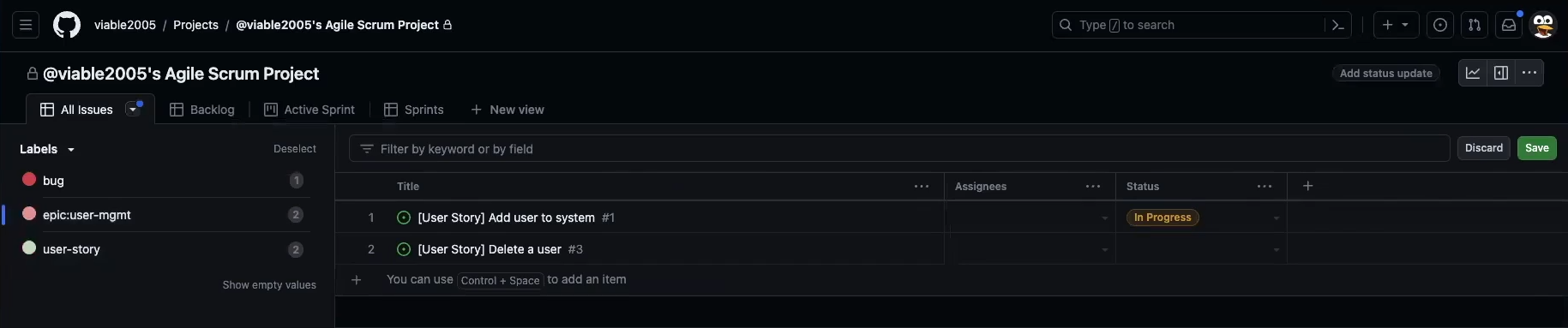
Slice by Epic (i.e. Epic View)

Slice by label Choose Epic as label to slice by